
How to review AI outcomes
Review AI containment and billed outcomes, then compare the report with billing periods.
Sign in first Sign in at app.marketcanopy.com, then follow the steps below. Use the email you signed up with
Open app.marketcanopy.comSteps
Open Reports from the dashboard.
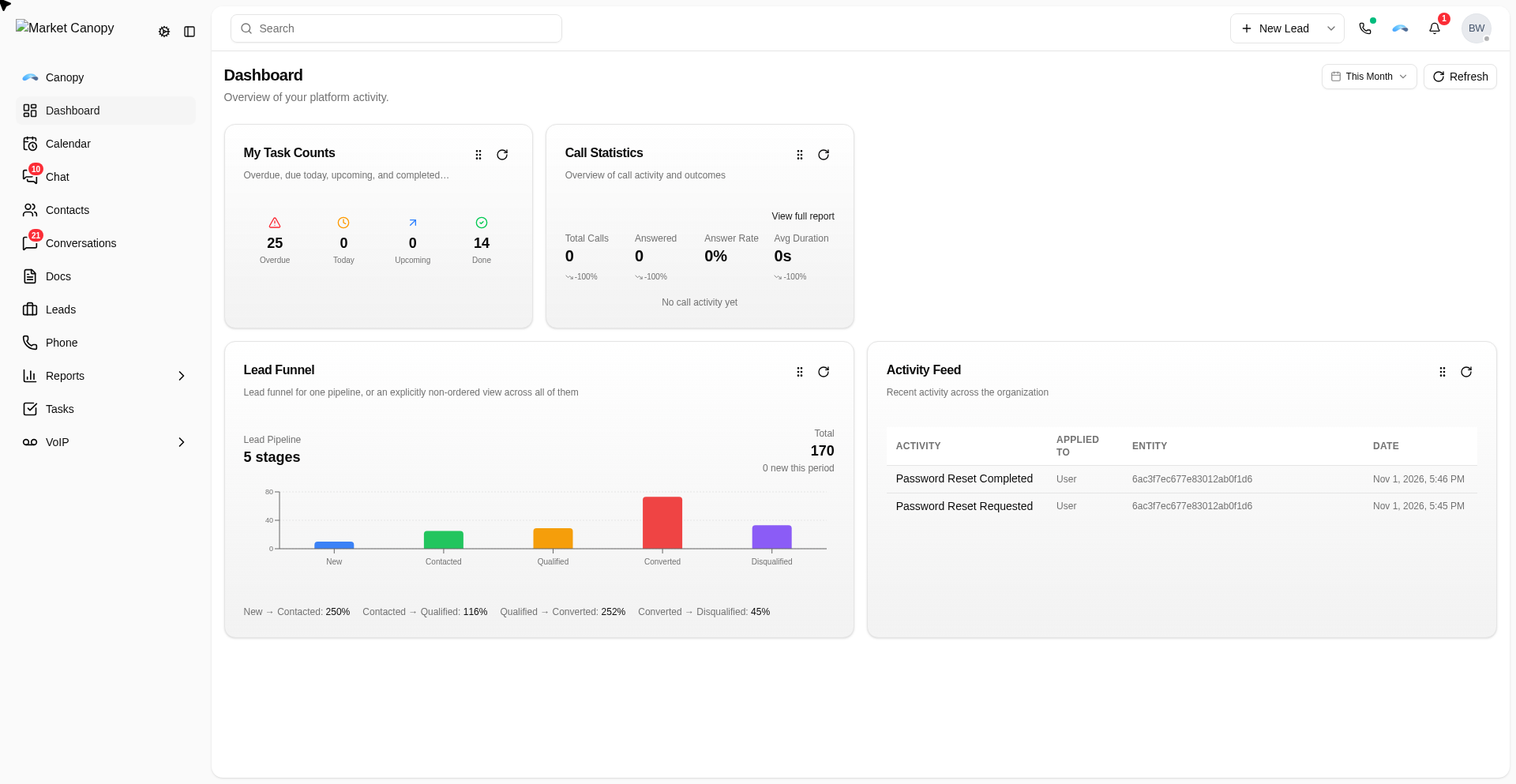
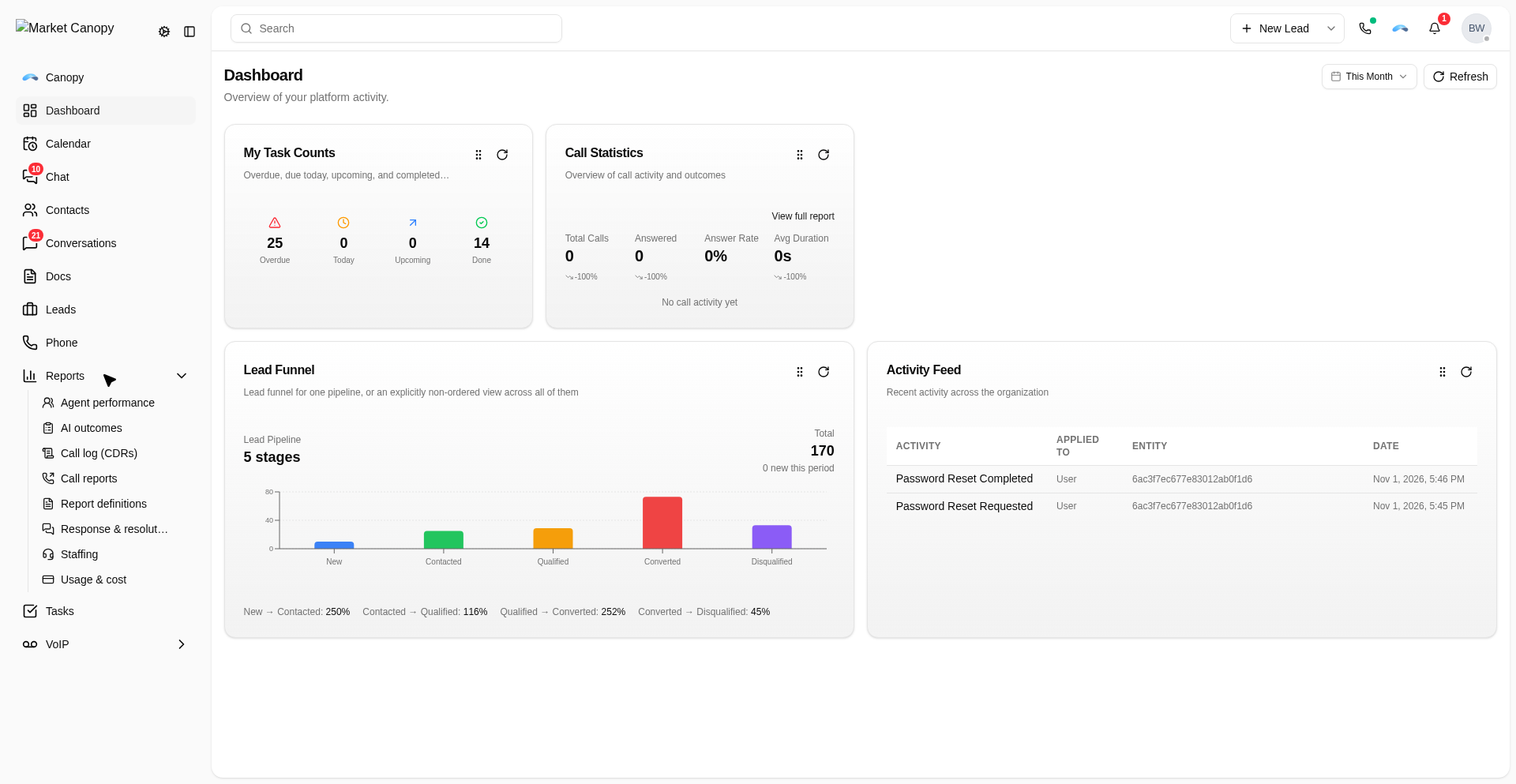
Select AI outcomes.
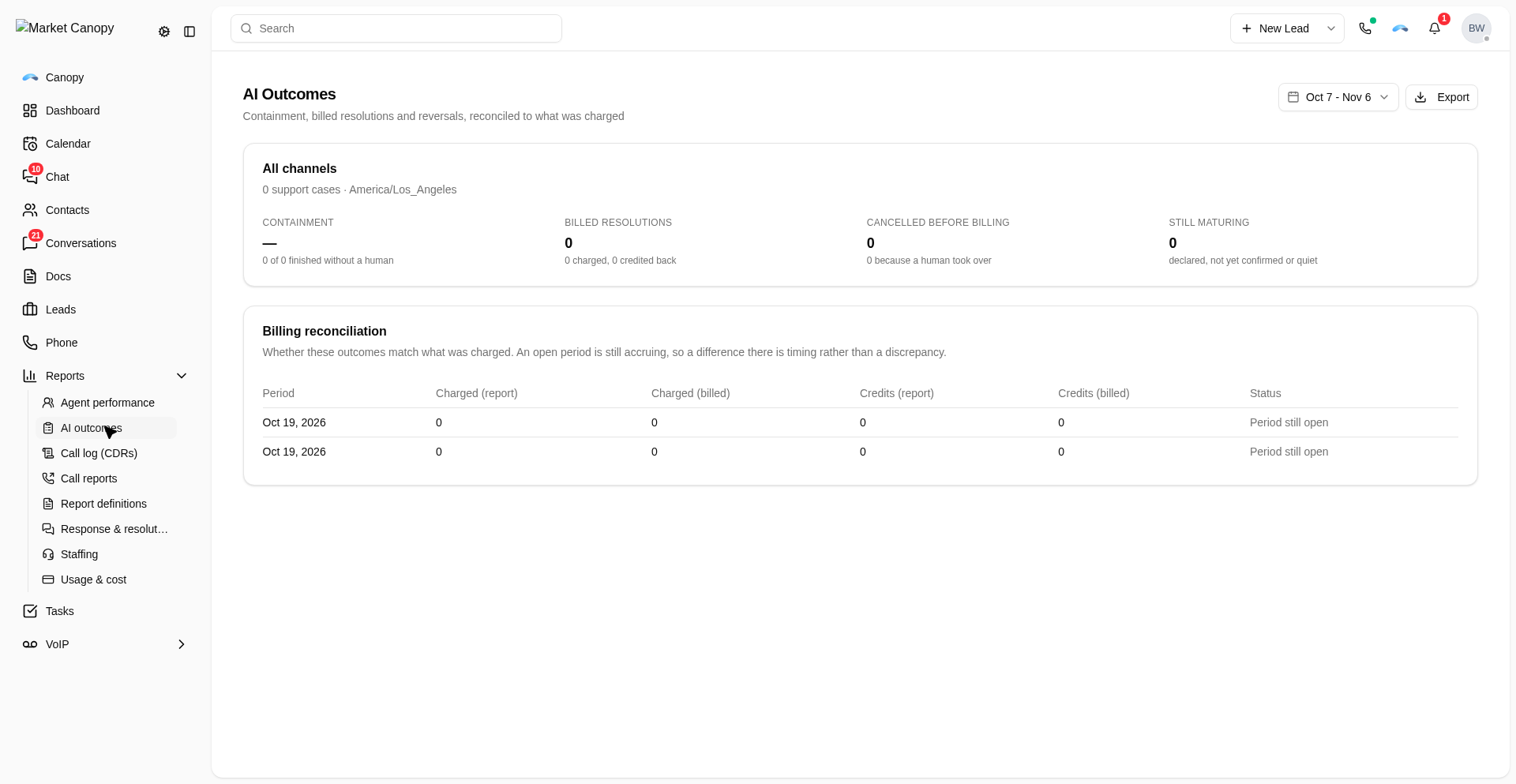
Review All channels for the support-case count, Containment, Billed resolutions, Cancelled before billing, and Still maturing.
In Billing reconciliation, compare Charged (report) with Charged (billed) and Credits (report) with Credits (billed) for each period.
Check Status. Matched means the report and billing figures match; Period still open means the period is not final; Mismatch — contact support marks a difference to review.
Compare the channel cards for Cases, Containment, Billed, and Handed off.
Was this helpful?
Still need help?
Chat with our support team or send us a message. We reply within one business day.