
Questions answered from your own documents, before an agent is needed
Give the chat assistant access to your business knowledge and configure handover to your team.
The problem
Sound familiar?
“The same ten questions fill our inbox every day — hours, shipping, password resets.”
“Our help articles exist, but nobody reads them; they open chat instead.”
What it does
Answers from your own documents.
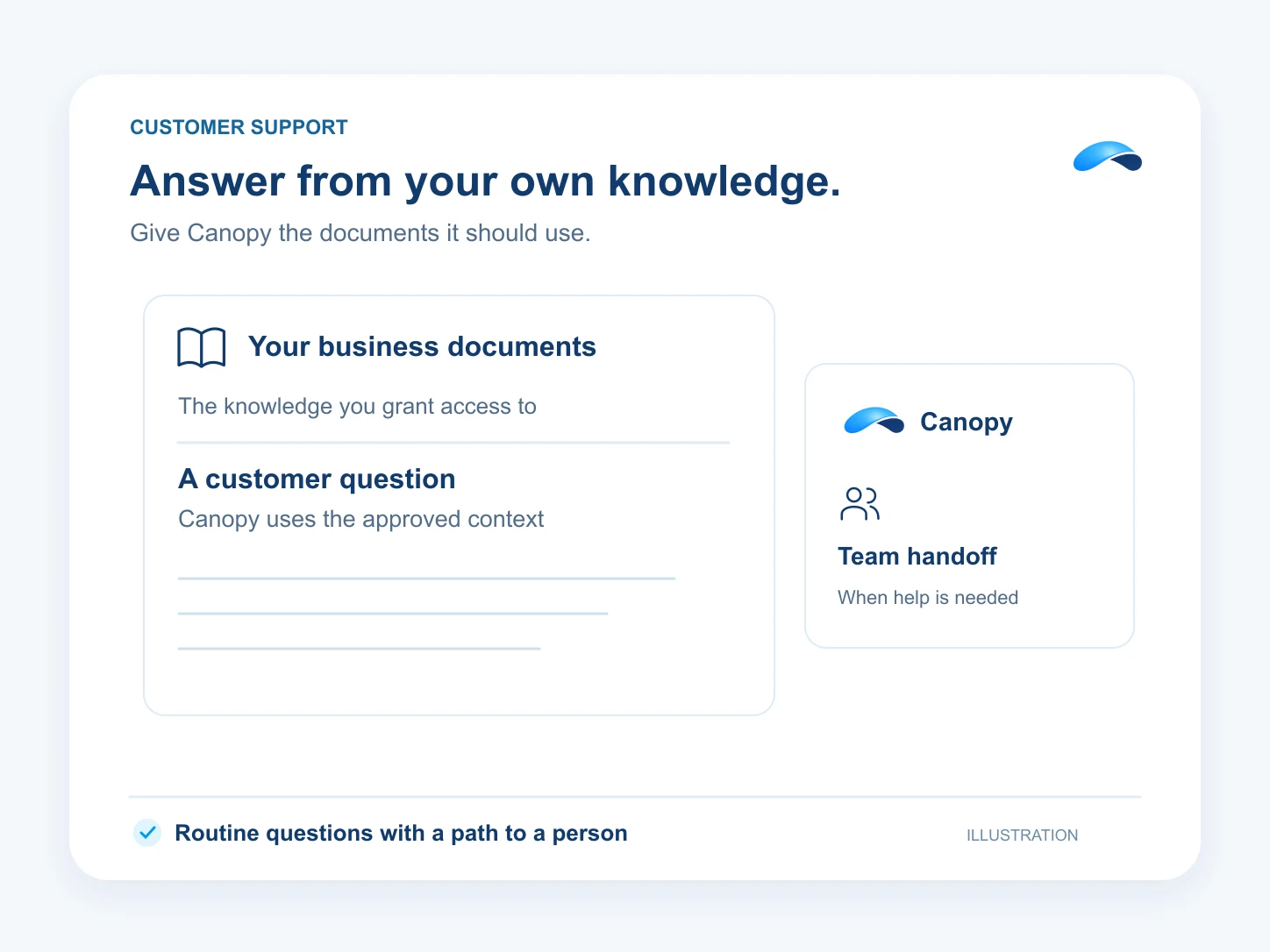
Give the assistant behind your chat widget access to training documents, published help articles and permitted tools. It can use that business context to answer questions and request a human handover. Your team can take over with the conversation history in view.
Everyday questions, answered
From the pricing pages, policies and FAQs you upload.
One embed on your site
Drop the widget where the questions happen.
A path to your team
Configure human handover and let your team take over with the history.
Count what it finished
The AI outcomes report shows the resolved conversations.
Setup
How it works in Canopy
5 steps, from setup to the work getting done.
Step 1: Embed the widget on your site
Create the widget under Live chat → Widgets and drop its embed on the pages where questions happen.
Step 2: Start from the Customer Support template
In AI → Agents, add an agent, pick Customer Support and choose your widget so the new agent answers there.
Step 3: Upload the answers in AI → Training
Upload policies, FAQs and how-tos, then grant the assistant access to the training libraries and published articles it may retrieve.
Step 4: Set the handover rules
Configure human handover for the widget. Test a customer request for a person, and make sure your team can join or take over the conversation.
Step 5: Count what it finished
The AI outcomes report shows the conversations the assistant actually resolved.
Sample
Sample conversation, illustrative
A shopper gets the shipping answers from the documents, and the handover keeps the whole chat.
The plans that carry this.
- 35M Canopy tokens a month
- 100 AI resolutions
- 200 text messages (Canada and United States)
- 3,000 meeting minutes
- See everything included
- 5M Canopy tokens a month
- 1,500 outgoing calling minutes (incoming unlimited)
- 100 text messages (Canada and United States)
- 50 fax pages
- See everything included
- 75M Canopy tokens a month
- 100 AI resolutions
- 1,500 outgoing calling minutes (incoming unlimited)
- 350 text messages (Canada and United States)
- See everything included
- 75M Canopy tokens a month
- 6 runner time (Canopy Cloud)
- 5 browser-hours (Hosted browser)
- See everything included
- 150M Canopy tokens a month
- 15 runner time (Canopy Cloud)
- 10 browser-hours (Hosted browser)
- See everything included


Call the demo line, or try the chat.
Demo line coming soon.
Market Canopy
The AI platform for every conversation your business has.
Market Canopy is the AI-native platform for every conversation your business has. Canopy, your AI, answers customers, remembers conversations and gets the follow-up done across phone, texts, live chat, email, meetings and team chat. Built security-first, it keeps your business in control of what the AI does on its own.
453 S Spring ST, Suite 400, Los Angeles, CA 90017
Links
Features

