
Calendar & Booking
Let customers book a time that works.
Share a booking link for an appointment, demo or consultation. Customers choose from your available times, and the booking lands on the right calendar.
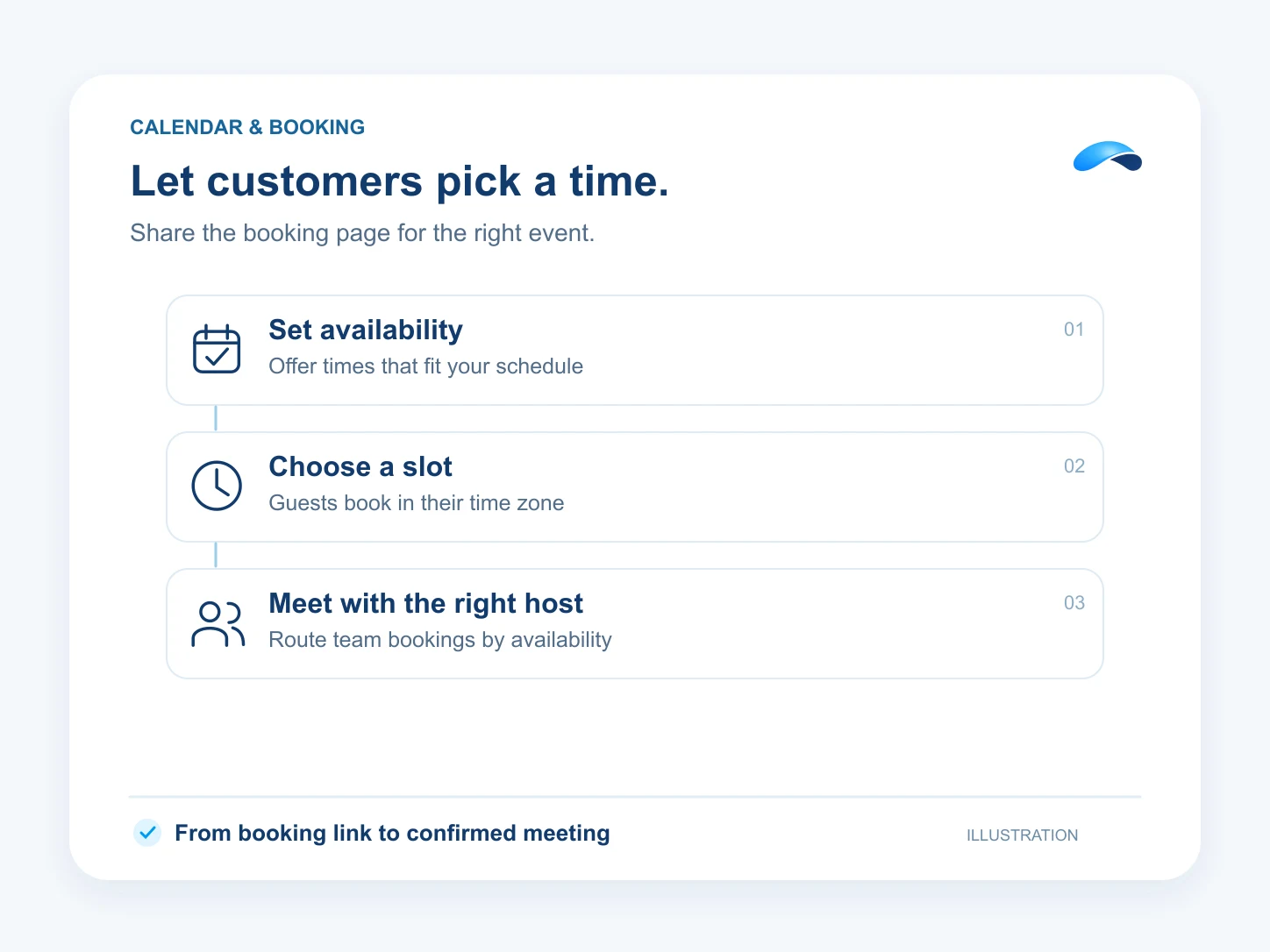
Share your availability
- Set up event types for different meeting lengths and uses, then share a link to the right one.
- Guests see open times in their time zone and can book from the public page.
- A round-robin booking pool can offer times across participating teammates and assign the booking to an available host.
Keep the booking with the conversation
- Canopy can offer available times and book the chosen slot in configured call and chat flows.
- Scheduled Market Canopy meetings can include their own join link.
- Guests can use their booking link to reschedule or cancel an appointment.
Find the right plan for your team.
- 35M Canopy tokens a month
- 100 AI resolutions
- 200 text messages (Canada and United States)
- 3,000 meeting minutes
- See everything included
- 5M Canopy tokens a month
- 1,500 outgoing calling minutes (incoming unlimited)
- 100 text messages (Canada and United States)
- 50 fax pages
- See everything included
- 75M Canopy tokens a month
- 100 AI resolutions
- 1,500 outgoing calling minutes (incoming unlimited)
- 350 text messages (Canada and United States)
- See everything included
Questions about Calendar & Booking.
Customers can open your public booking page, choose a time and enter their details without signing in.
Yes. Use a round-robin pool to offer times across the team’s availability.
Market Canopy
The AI platform for every conversation your business has.
Market Canopy is the AI-native platform for every conversation your business has. Canopy, your AI, answers customers, remembers conversations and gets the follow-up done across phone, texts, live chat, email, meetings and team chat. Built security-first, it keeps your business in control of what the AI does on its own.
453 S Spring ST, Suite 400, Los Angeles, CA 90017
Links
Features

