
Every customer message in one inbox, answered.
Canopy answers chats and texts from your business knowledge and drafts email replies for approval. Your team can take over with the conversation history at hand.
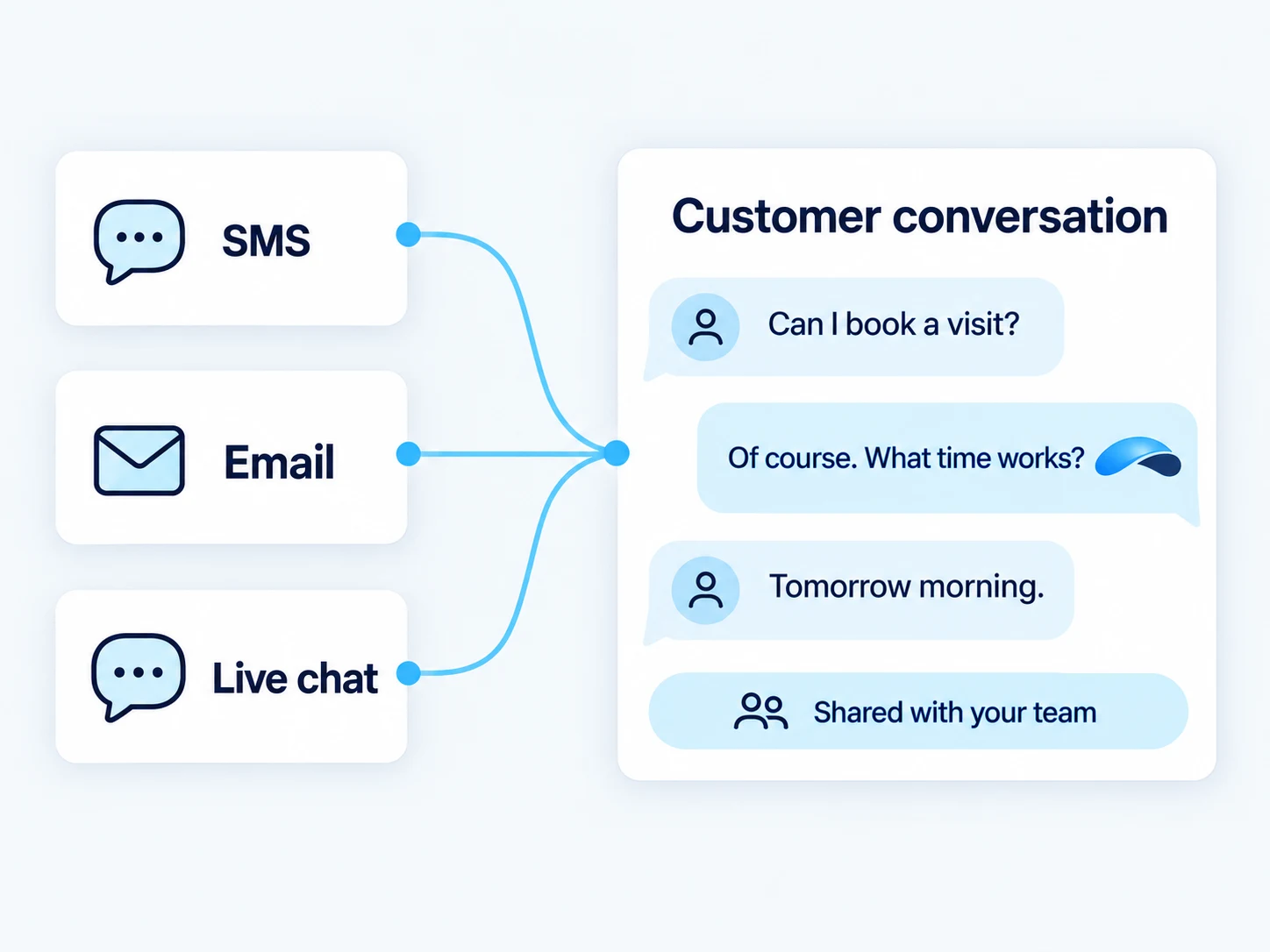
Canopy answers, your team takes over
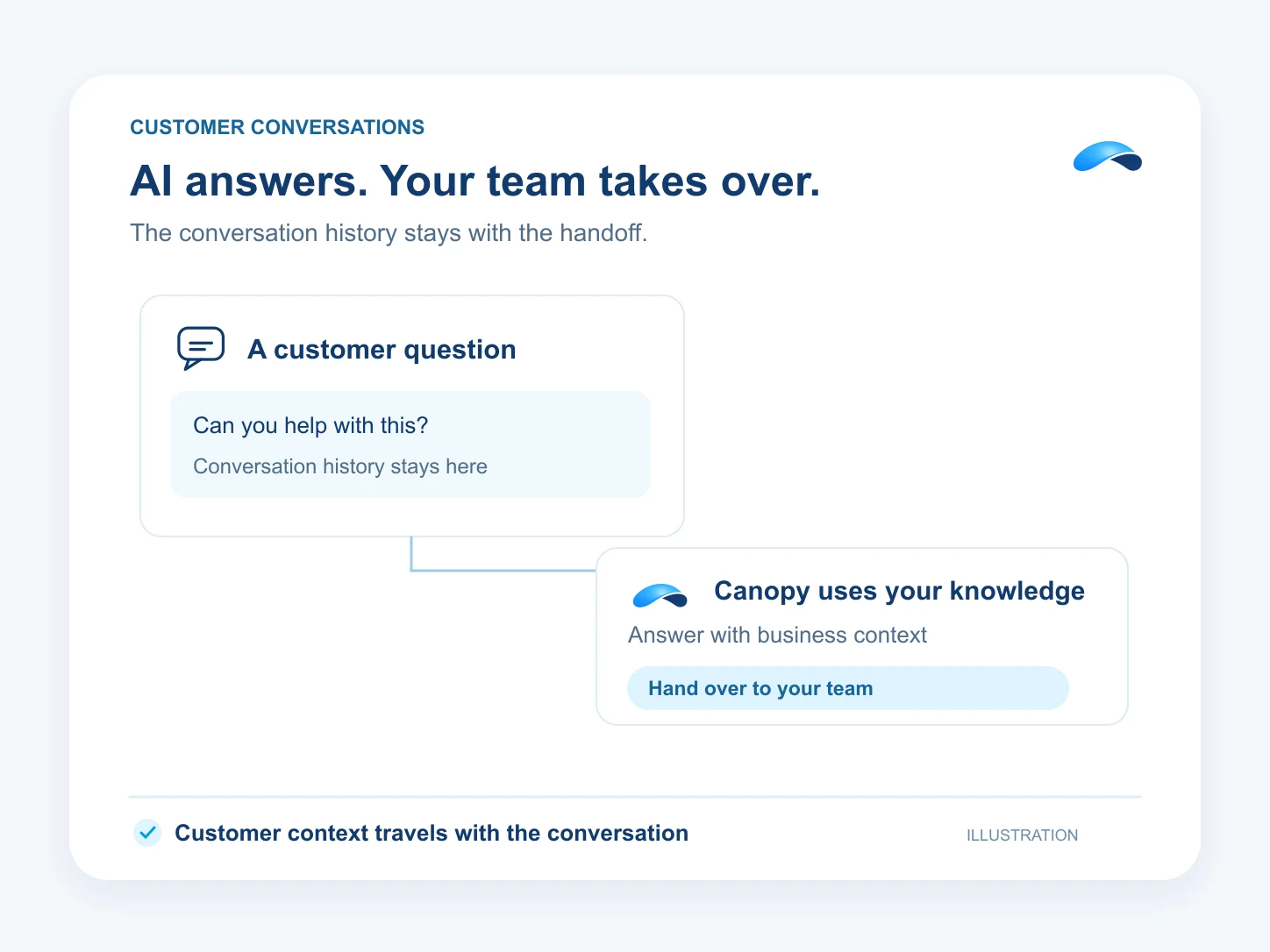
- Canopy answers chats and texts from your business knowledge while your team can watch, join or take over.
- Ask Canopy to draft an email reply and send it after your approval.
Live chat on your website
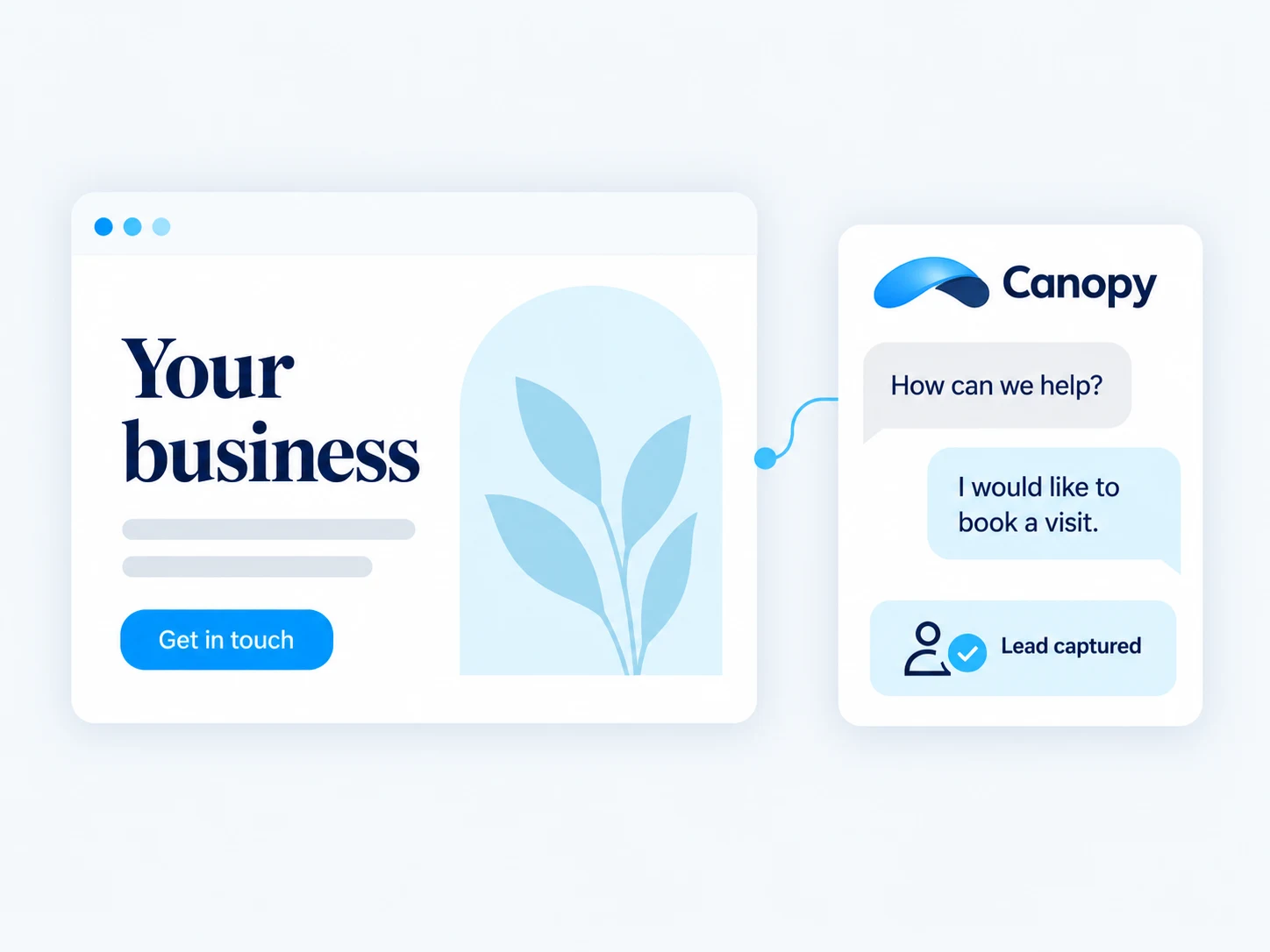
- The embeddable live chat widget lands visitor conversations in the same inbox as everything else, on every plan.
- On Engage and above, an AI assistant answers first, and an operator can watch, join or take over the thread.
One inbox across chat, email and SMS
- Connect your support email — every licensed user can link a mailbox and answer from the shared inbox.
- Engage and above add SMS and ticket states, with every channel writing one conversation history per contact.
SMS from your business number
- Text a contact from the number they already know — inbound replies thread back onto the same conversation, anchored to their contact record.
- Workflows on Engage and above can send the reply automatically: follow-ups and reminders.
AI answers first, people finish
- Assistants answer from your own training documents — ten documents on Engage, twenty-five on Automate — and hand off when they are unsure.
- Every AI resolution is declared by the assistant itself, so the AI outcomes report counts real finishes, not guesses.
Tickets and SLAs that hold
- Threads carry ticket states — a customer reply revives a solved thread, and a closed one stays closed.
- Conversation and SLA reporting on Engage and above shows response and resolution times next to the inbox.
Start with chat and email, grow into SMS.
Jobs this inbox does for you.
Lead Qualification
The assistant asks your questions, updates the lead and books the callback for the ones worth calling.
Missed-Call Text Back
Busy lines offer a callback, the request waits in the queue, and you text back from the same thread.
Support Deflection
The chat widget’s assistant answers from your training documents and hands off what it cannot.
Sales Follow-Up
A workflow triggers on the lead, spaces the touches, and sends the email and SMS for you.
Outbound Reminders
A scheduled workflow sends the reminder email and text — appointments, renewals, payments.
Website Visitor to Booked Call
Canopy asks your qualifying questions in live chat and offers a real calendar slot.
Knowledge Base Answers
Publish a help center on your domain and let Canopy answer chat questions from the knowledge you grant it.
Questions about messaging.
Live chat and email are on every plan. SMS and ticket states come with Engage and Automate.
Yes — on Engage and above you can point the widget at an AI assistant that answers from your training documents and hands off to a person when needed.
SMS is part of the Engage and Automate license. Carrier message costs appear on your usage statement, which every plan can see.
Connect and Engage include a 14-day free trial — card required, $0 today.
Market Canopy
The AI platform for every conversation your business has.
Market Canopy is the AI-native platform for every conversation your business has. Canopy, your AI, answers customers, remembers conversations and gets the follow-up done across phone, texts, live chat, email, meetings and team chat. Built security-first, it keeps your business in control of what the AI does on its own.
453 S Spring ST, Suite 400, Los Angeles, CA 90017
Links
Features