Dialer
Power dialing and agent-paced campaigns for your outbound team.
$39per agent a month$31 a month billed annually
Included each month4,000 US dialer minutesper agent, shared across your teamthen $0.012 a minute

Contact Center
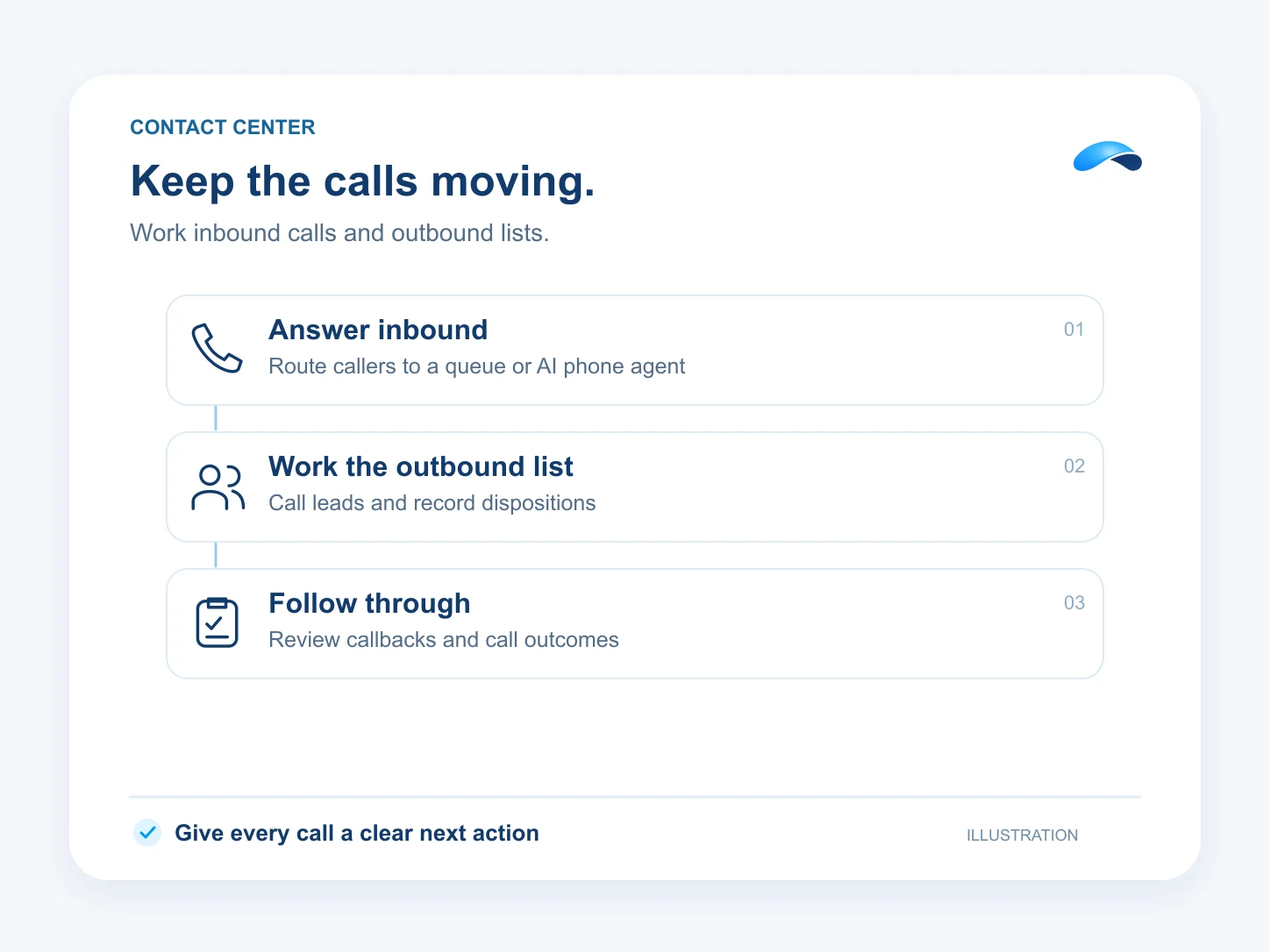
Route inbound calls, work callbacks, and call through outbound lists. Put AI phone agents on configured call flows and give supervisors tools to coach live.
Power dialing and agent-paced campaigns for your outbound team.
Automated dialing on Market Canopy runs through the Dialer and nowhere else. Phone and Suite do not allow auto-dialers.
Create callback work for eligible abandoned calls or supported manual and AI requests. Your team works the queue and records the outcome.
Supervisors can listen, whisper to the agent or join a live queue call.
Run a saved lead list with progressive or one-line power dialing, dispositions and voicemail drops.
Yes. Configure AI phone agents for inbound answering and supported outbound campaigns, with the instructions and call actions you choose.
Queues, skills routing and the supervisor controls are on Suite. Dialer campaigns come from the Dialer add-on on a Phone or Suite user, and automated dialing runs through it and nowhere else.
Yes. With the right permissions, they can listen, coach privately or join the call.
The AI platform for every conversation your business has.
Market Canopy is the AI-native platform for every conversation your business has. Canopy, your AI, answers customers, remembers conversations and gets the follow-up done across phone, texts, live chat, email, meetings and team chat. Built security-first, it keeps your business in control of what the AI does on its own.
453 S Spring ST, Suite 400, Los Angeles, CA 90017

