
After hours and overflow, answered without a night shift
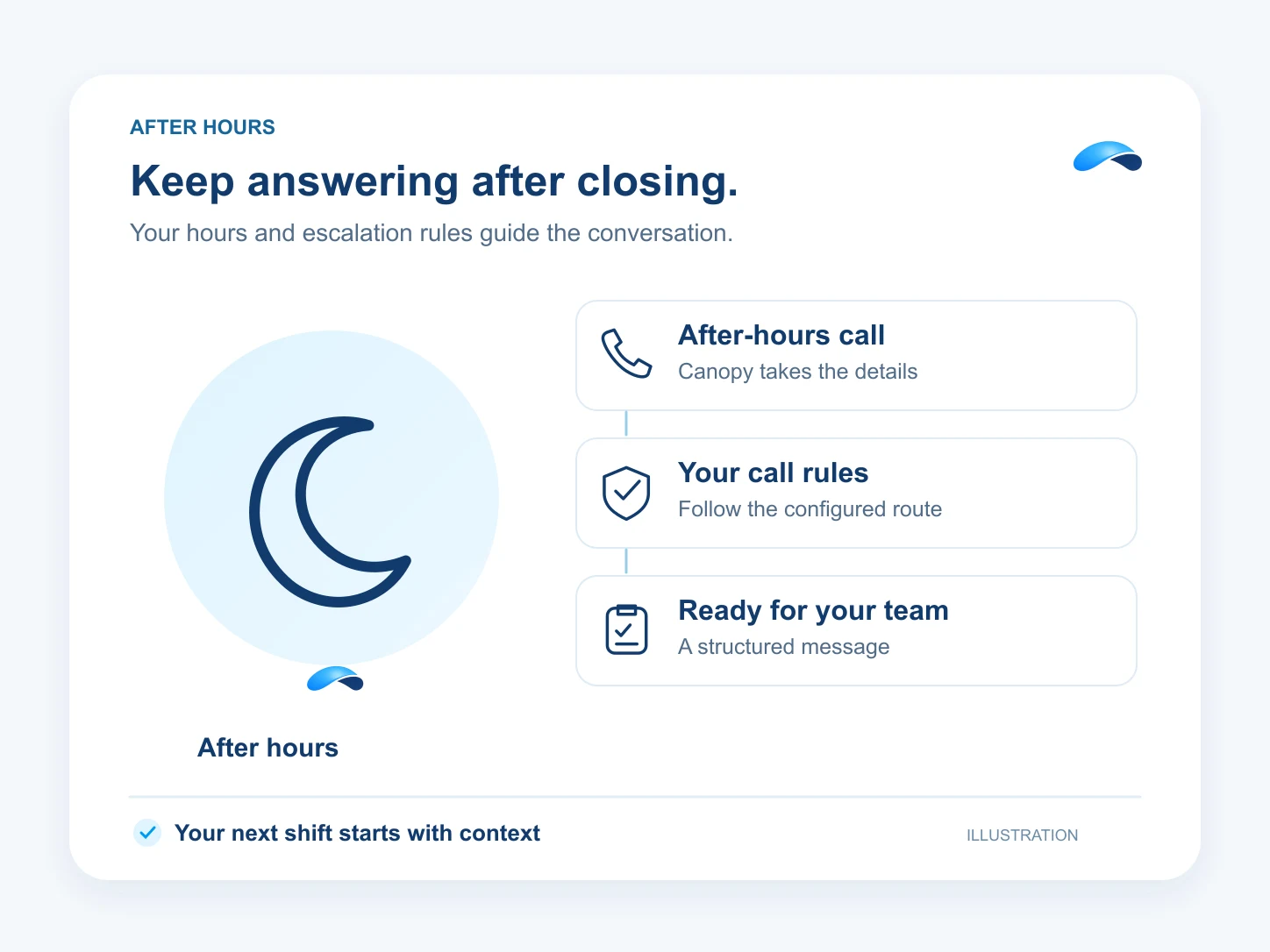
An after-hours policy routes nights and weekends to the AI agent, with an escalation destination.
The problem
Sound familiar?
“At 5:01 pm our phones might as well be off — anyone calling after hours hears voicemail.”
“When everyone is busy, new callers wait on hold or hang up.”
What it does
One policy for after hours and overflow.
One after-hours policy decides what happens to a call the moment your schedule says you are closed: the AI agent answers, handles the routine, and escalates what it cannot. The same policy shapes overflow during the day.
Closed means covered
The policy applies the moment your schedule says you are closed.
The agent answers
It handles the routine and escalates what it cannot.
Escalation built in
Calls the agent should not keep go to the destination you pick.
Preview before publishing
See the branch a caller takes at any hour.
Setup
How it works in Canopy
4 steps, from setup to the work getting done.
Step 1: Set your open hours in VoIP → Schedules
The schedule is the one source of truth the after-hours policy compiles onto.
Step 2: Create the policy in VoIP → After-hours
Pick the schedule, the AI branch and an escalation destination for calls the agent should not keep.
Step 3: Preview the exact routing
The policy page previews the branch a caller takes at any hour before you publish.
Step 4: Publish and watch the calls
After-hours calls land in the call log with their transcripts, and messages reach the inbox.
Sample
Sample conversation, illustrative
A caller after hours reaches the agent, and an emergency is escalated to the on-call line.
The plans that carry this.
More for the front desk


Call the demo line, or try the chat.
Demo line coming soon.
Market Canopy
The AI platform for every conversation your business has.
Market Canopy is the AI-native platform for every conversation your business has. Canopy, your AI, answers customers, remembers conversations and gets the follow-up done across phone, texts, live chat, email, meetings and team chat. Built security-first, it keeps your business in control of what the AI does on its own.
453 S Spring ST, Suite 400, Los Angeles, CA 90017
Links
Features