
Email and SMS follow-up sequences that run themselves
A workflow triggers on the lead, spaces the touches, and sends the email and SMS for you.
The problem
Sound familiar?
“Reps forget to follow up after an initial call — the second and third touch never happen.”
“We have the sequence written down; nobody works the list on a Friday afternoon.”
What it does
The sequence runs on rules, not memory.
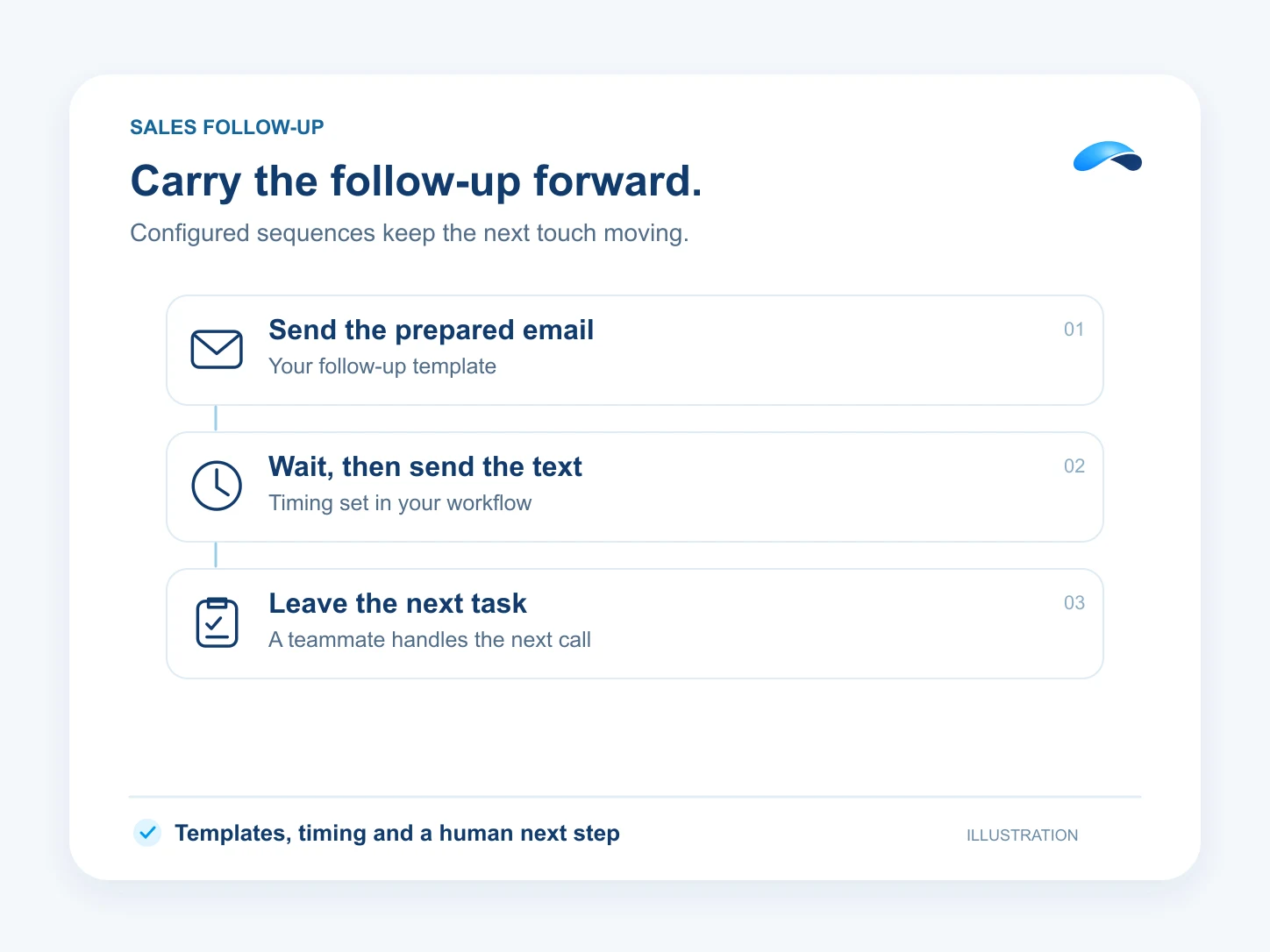
A workflow watches for the lead event and runs the sequence: a first email, a wait, an SMS nudge, a task for the rep when there is still no reply. Every touch is the same rules engine, not someone’s memory.
Starts on the lead
Triggers when a lead is created or updated.
Email, then an SMS nudge
Send steps with waits between them space the sequence.
The wording lives in templates
Email templates keep the wording out of the workflow graph.
The last mile is a person
A task or stage update tells the rep who is warm.
Setup
How it works in Canopy
4 steps, from setup to the work getting done.
Step 1: Start the workflow on the lead
In Workflows, choose the event trigger — a lead created or updated — as the start of the sequence.
Step 2: Lay out the touches
Send-email and send-SMS steps with wait steps between them space the sequence the way you would run it by hand.
Step 3: Write the emails once
Email templates under Email → Templates keep the wording out of the workflow graph.
Step 4: Leave the last mile to a person
A task or stage update ends the sequence, so the rep knows exactly who is warm.
Sample
Sample conversation, illustrative
A form fill starts the sequence — an opening email, the SMS nudge, and a task when the reply comes in.
The plans that carry this.
More for sales


Call the demo line, or try the chat.
Demo line coming soon.
Market Canopy
The AI platform for every conversation your business has.
Market Canopy is the AI-native platform for every conversation your business has. Canopy, your AI, answers customers, remembers conversations and gets the follow-up done across phone, texts, live chat, email, meetings and team chat. Built security-first, it keeps your business in control of what the AI does on its own.
453 S Spring ST, Suite 400, Los Angeles, CA 90017
Links
Features