
AI Docs
Create and edit files with AI Docs.
Write in Docs, work with numbers in Spreadsheets, build a deck in Presentations, and open PDFs in the Market Canopy desktop app. Bring Canopy into the work when you need a first draft or a revision.
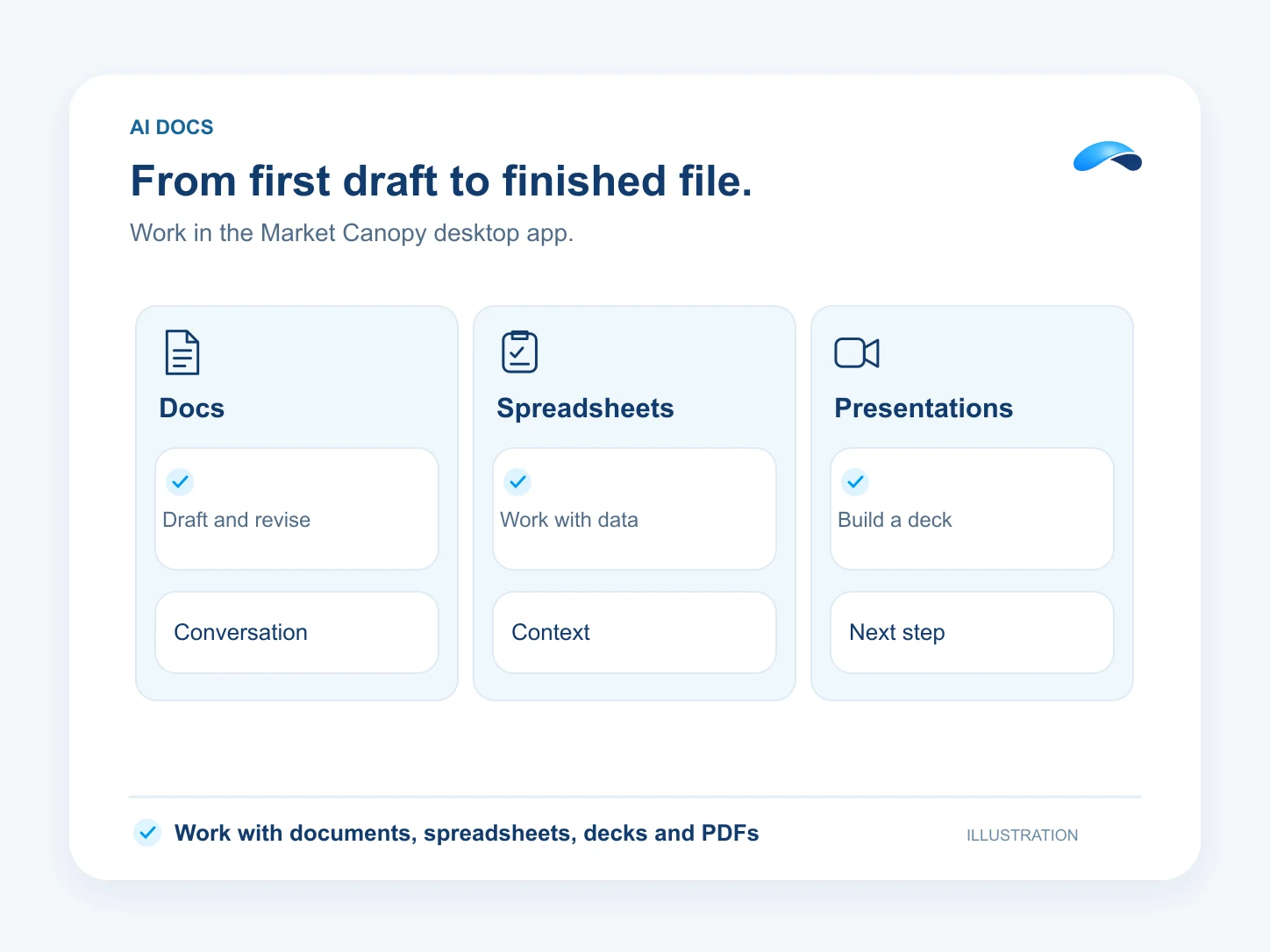
Write, calculate and present
- Use Docs to draft and format proposals, procedures and other documents.
- Use Spreadsheets to organize data, work with formulas and build tables you can keep editing.
- Use Presentations to turn an outline into finished slides and present the deck.
Work with Canopy and your files
- Ask Canopy for a draft or a revision and review the result in the document.
- Open PDFs in the desktop workspace and use supported PDF tools on the file in front of you.
- Open supported local files from your computer and save your work from the editor.
Questions about AI Docs.
Find the Market Canopy Office installers on the Download page.
Yes. Open a supported local document, spreadsheet, presentation or PDF in the desktop app.
Market Canopy
The AI platform for every conversation your business has.
Market Canopy is the AI-native platform for every conversation your business has. Canopy, your AI, answers customers, remembers conversations and gets the follow-up done across phone, texts, live chat, email, meetings and team chat. Built security-first, it keeps your business in control of what the AI does on its own.
453 S Spring ST, Suite 400, Los Angeles, CA 90017
Links
Features

