
Cloud Runners
Run your coding work in the cloud.
Start a Canopy session in a remote workspace. Set up the environment your repository needs and come back to the same session to review the results.
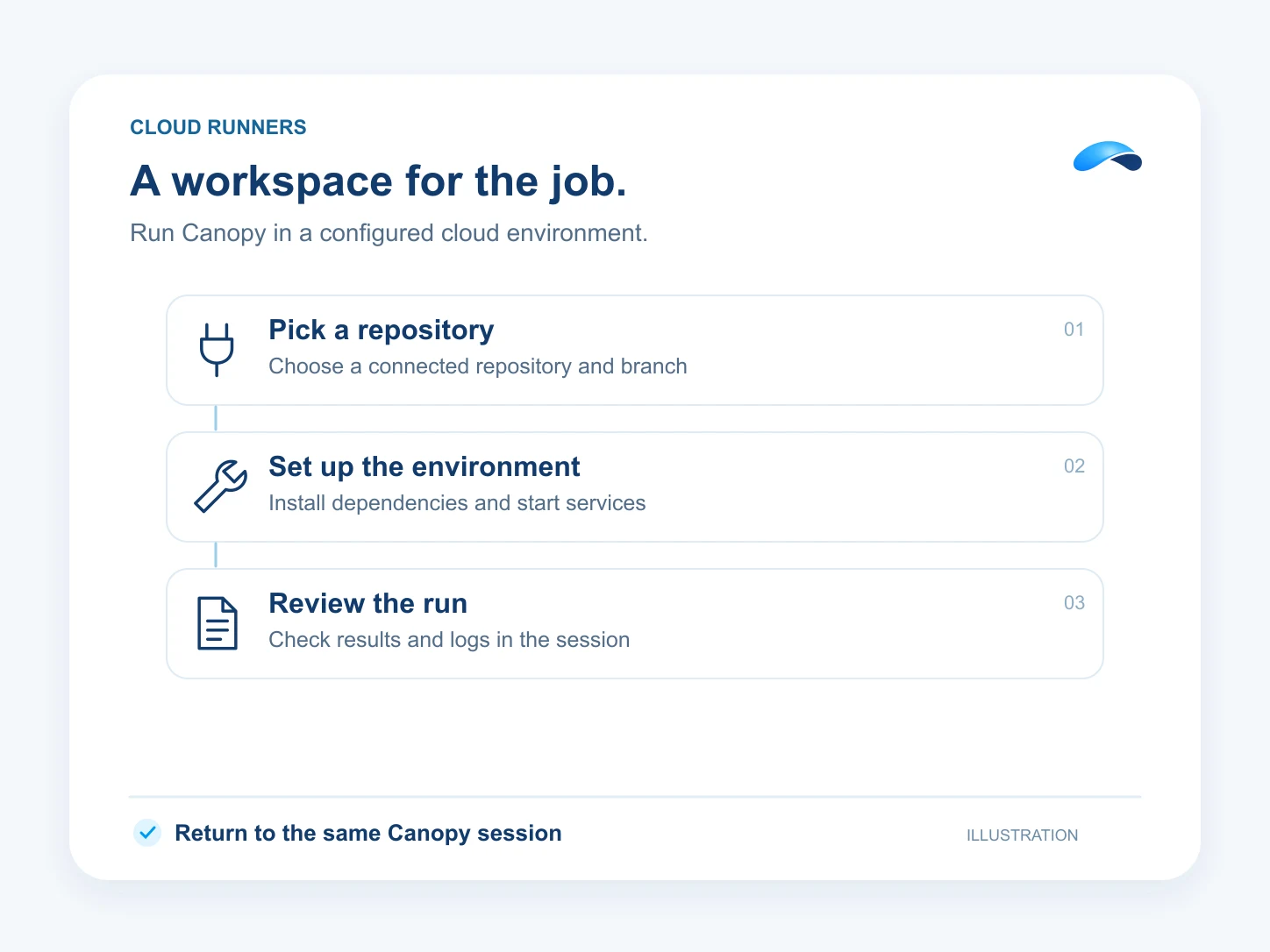
Set up a repeatable workspace
- Choose a cloud environment and the connected GitHub repository and branch you want to work on.
- Define setup and start scripts for project dependencies and services so the runner can prepare the workspace.
- Configure network access and environment secrets for the job.
Follow the run from Canopy
- Review the runner’s state, repository, elapsed time and setup failures from the session.
- Cloud work runs on the remote machine, so you can leave the session and come back to it.
- Idle runners pause automatically and wake when you send the next turn. Archive the session when you are finished with the workspace.
Find the right plan for your team.
- 75M Canopy tokens a month
- 100 AI resolutions
- 1,500 outgoing calling minutes (incoming unlimited)
- 350 text messages (Canada and United States)
- See everything included
Questions about Cloud Runners.
Connect GitHub and choose from the repositories and branches your connection can access.
Cloud runner time draws a monthly pool of runner-hours that grows with your Canopy level, and idle runners pause so they do not use it. Past the pool, hours are billed per hour from your wallet. Runners on your own machine cost nothing from us.
A desktop-enabled environment lets you open the remote computer from the runner panel.
Market Canopy
The AI platform for every conversation your business has.
Market Canopy is the AI-native platform for every conversation your business has. Canopy, your AI, answers customers, remembers conversations and gets the follow-up done across phone, texts, live chat, email, meetings and team chat. Built security-first, it keeps your business in control of what the AI does on its own.
453 S Spring ST, Suite 400, Los Angeles, CA 90017
Links
Features

