
AI agents that answer your customers.
Deploy Canopy agents to answer calls, chats and texts with your business knowledge. Let your team take over when a conversation needs a person, and draft email replies for approval.
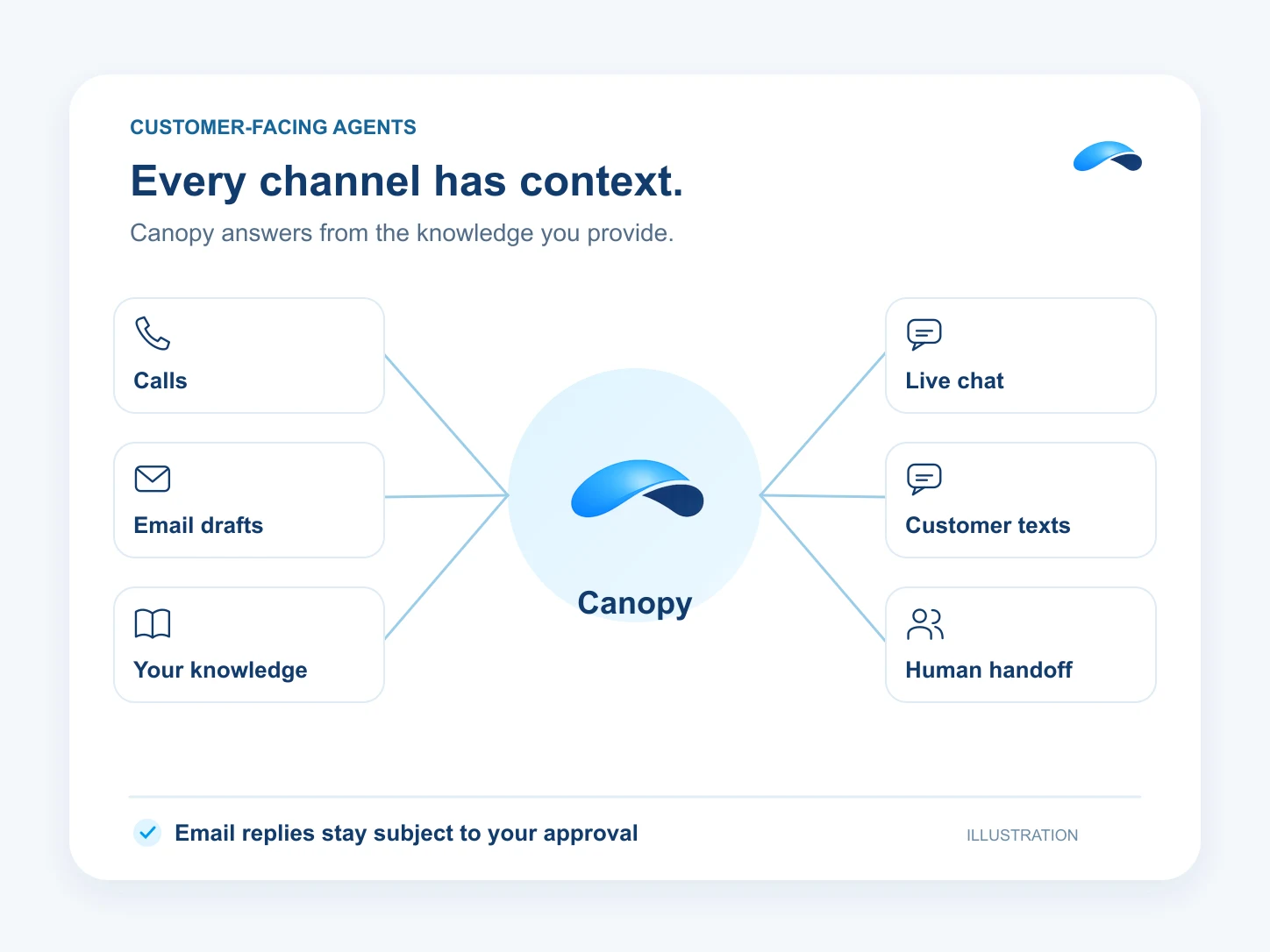
Canopy agents for customer conversations
- Deploy Canopy agents to answer customer chats and texts, with email replies drafted for approval.
- They draft replies, answer customer questions, qualify leads and run follow-ups, with approvals when you want a human sign-off.
AI phone agents that answer and book
- Automate carries one production AI phone agent that answers calls with your knowledge base behind it.
- It routes by intent in natural language, transfers to a human with the transcript and caller context, and can book straight into the calendar.
Tools, not just talk
- Agents act: schedule appointments, update leads, create follow-ups and look up records through the tool set.
- Connect your own MCP tools to give agents governed access within your permissions and action modes.
Follow up with your customers
- Workflow automation and automation rules ship with Engage: triggers, steps and approvals across the platform.
- Draft customer email and SMS follow-ups for approval before they are sent.
After hours, answered
- One after-hours policy compiles onto your existing schedules and inbound rules, so the AI branch takes over the moment you close.
- Preview the exact routing a caller will get before you publish the policy.
AI starts on Engage. Agents land on Automate.
Put Canopy on the job.
AI Receptionist
One agent answers your main number, routes calls by intent and takes messages when nobody is free.
After-Hours Answering
An after-hours policy routes nights and weekends to the AI agent, with an escalation destination.
Appointment Booking
Callers and chatters book real slots — the agent reads live availability from your calendar.
Lead Qualification
The assistant asks your questions, updates the lead and books the callback for the ones worth calling.
Missed-Call Text Back
Busy lines offer a callback, the request waits in the queue, and you text back from the same thread.
Support Deflection
The chat widget’s assistant answers from your training documents and hands off what it cannot.
Sales Follow-Up
A workflow triggers on the lead, spaces the touches, and sends the email and SMS for you.
Outbound Reminders
A scheduled workflow sends the reminder email and text — appointments, renewals, payments.
Morning Brief
Canopy briefs you on new work, untouched leads, waiting conversations and tasks due today.
Ask Canopy
Ask Canopy to find leads, update their stages and draft the next message, with your controls on every action.
Meeting Notes and Follow-Up
Canopy captures notes from your Market Canopy meetings. Assign an action item to turn it into a task.
Portal Work
Ask the browser agent to work a portal. Carrier quoting is a supported example with published playbooks.
Website Visitor to Booked Call
Canopy asks your qualifying questions in live chat and offers a real calendar slot.
Blog on Autopilot
Canopy drafts and checks blog posts, then publishes or schedules them under your controls. Carried by Blog or Marketing.
Social Publishing
Connect supported social accounts, review the posts and schedule their publication with the Marketing add-on.
Questions about AI agents.
Assistants work chat, email and SMS and come with Engage. An AI phone agent answers calls and comes with Automate — one production agent, with pooled AI voice minutes included.
You upload training documents — ten on Engage, twenty-five on Automate — and the agents answer from those, citing what they used.
It hands off to a person with the transcript, the caller’s intent and the lead or customer record already open.
Automate’s AI voice, token and browser minutes are metered cost from minute one, so there is no free trial period on it.
Market Canopy
The AI platform for every conversation your business has.
Market Canopy is the AI-native platform for every conversation your business has. Canopy, your AI, answers customers, remembers conversations and gets the follow-up done across phone, texts, live chat, email, meetings and team chat. Built security-first, it keeps your business in control of what the AI does on its own.
453 S Spring ST, Suite 400, Los Angeles, CA 90017
Links
Features