
Everything your business talks on. One AI across all of it.
Phone calls, texts, live chat, email, meetings and your team's own chat run on one system, with Canopy, your AI, at the center. It answers customers, keeps track of every conversation and gets the follow-up done. You decide what it does on its own.
Book a demo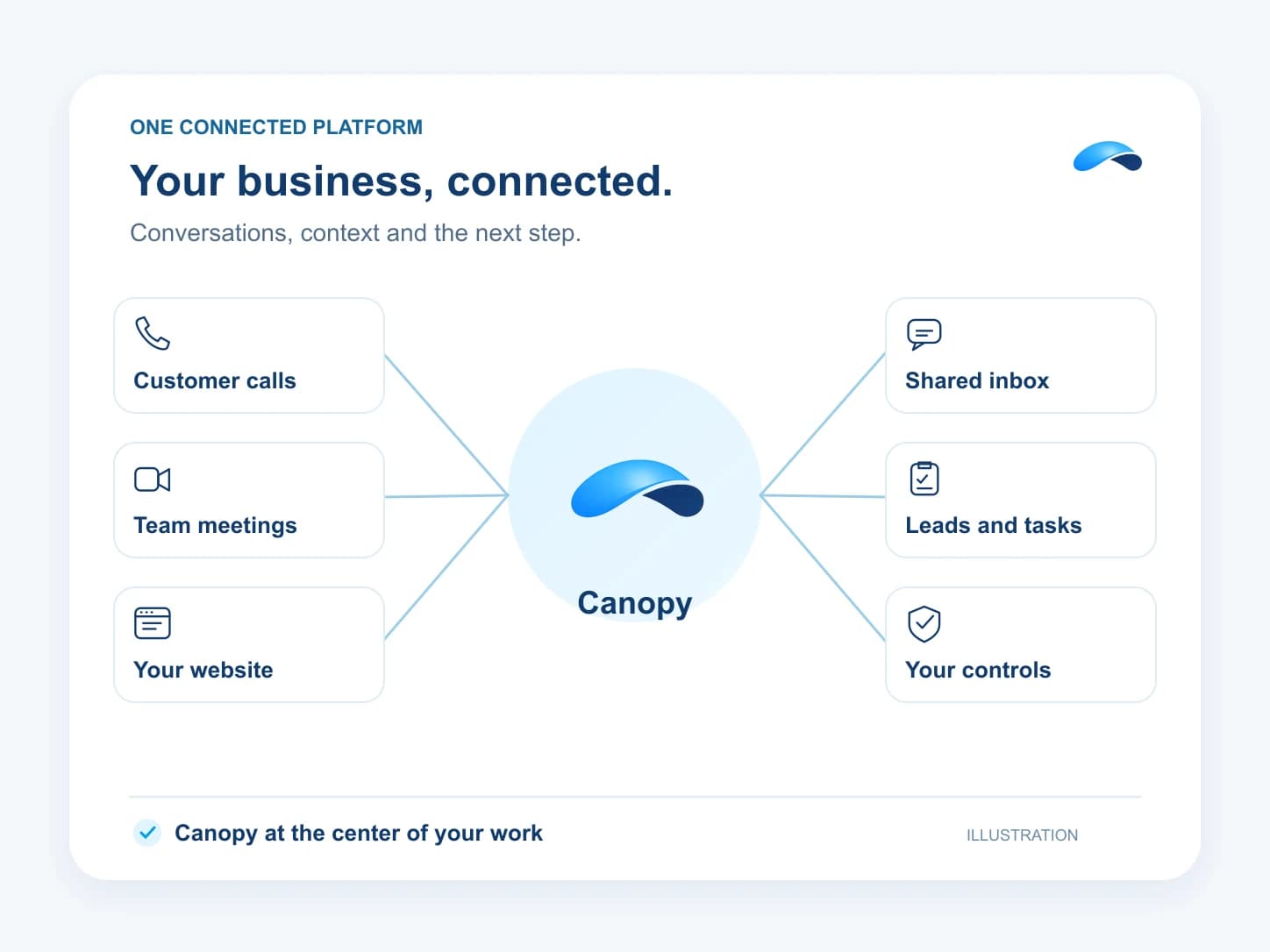
Your whole business. One AI.
Canopy
Meet CanopyAnswers your customers
Canopy answers calls, chats and texts, and drafts email replies for approval on the channels your plan carries.
Briefs you on priorities
See waiting replies, stalled leads and due tasks, then ask Canopy for a brief of what needs you.
Does the follow-up
Ask in plain words to assign a lead, draft a reply, book a meeting or publish a post within your licensed tools.
Works in your browser
Canopy can work in portals and websites without an integration through the browser agent your plan provides.
Keeps you in control
Set actions to allow, ask or deny, with approvals and organization limits governing what runs.
Conversations with customers
Explore customer messagingOne shared inbox
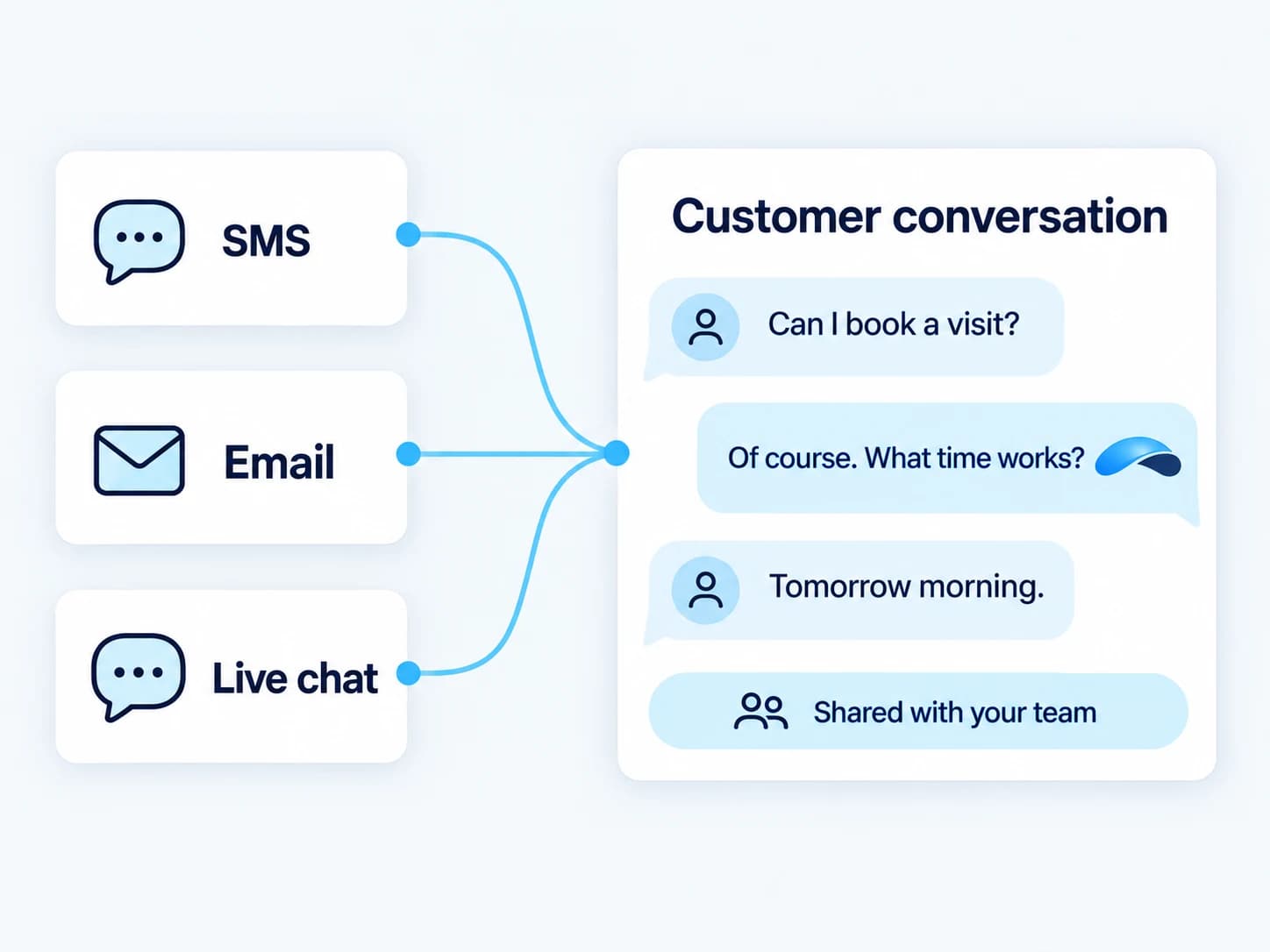
Handle email, SMS and live chat in a shared inbox with the customer history beside the reply.
Website live chat
Put a live-chat widget on your website and bring visitor conversations to your team.
Tickets and SLA tracking
Track ticket states and first-response and resolution times so your team can review its service targets.
Saved customer replies
Reuse canned responses in your conversation composer to answer recurring questions.
Knowledge and helpdesk
Publish help articles in a public help center backed by your team’s knowledge base.
AI with human takeover
Let a chat agent answer from your business knowledge while your team watches, joins or takes over.
Calls
Explore callsYour phone system
Connect numbers, extensions, desk phones and softphones with IVR menus, schedules, after-hours destinations and call routing.
Call records and transcripts
Record calls under your organization’s policy and review recordings and configured transcriptions with call-reporting access.
Voicemail you can read
Give callers a mailbox and read voicemail transcripts when transcription is configured.
AI answers after hours
Canopy’s phone agent answers, routes and books, with an after-hours policy that follows your schedules.
Your contact center
Run queues, skills routing and callbacks with supervisor listen, whisper and barge controls.
Dialer campaigns and drops
Work campaign lists with progressive or one-line power dialing and prepared voicemail drops.
Send and receive fax
Keep fax alongside your calls with pages and usage governed by your plan.
Bring your number
Request a number port and track its progress, subject to carrier acceptance and number eligibility.
Caller ID and context
See caller ID and the caller’s CRM record when a call rings your team.
Meetings and team chat
Explore meetingsMeetings with a record
Host video meetings with optional recording, transcription, phone dial-in and a guest lobby.
Rooms and encrypted meetings
Use breakout rooms, or choose end-to-end encryption that excludes server recording, transcription, notes and breakout rooms.
Your AI note-taker
Capture notes, decisions and action items from transcribed Market Canopy meetings with the AI note-taker.
Channels and direct messages
Keep team conversations, shared files and presence in channels and direct messages.
Bookings shared across teammates
Offer booking pages and round-robin scheduling that assigns an available teammate to the appointment.
Customers and pipeline
See plans and grantsContacts and leads
Keep customer details and leads beside the conversations that brought them to you.
Pipelines and deal stages
Move leads through your own pipelines and stages so the next follow-up is clear.
Tasks and customer activities
Track tasks and customer activities so your team can see what happened and what comes next.
Your fields and forms
Capture the details your business needs with custom fields and forms.
Workflows and automation rules
Connect triggers and steps to follow up, update records and route work with your approval settings.
Events for your tools
Send platform events to your connected tools through outbound webhooks.
Reporting across your business
Review activity in reporting dashboards with the report access your plan grants.
Your website and growth
Explore Blog and MarketingSites on your domain
Build your site on your own domain and bring its visitors into the same business platform.
Available with: Marketing.
Your AI blog writer
Draft, optimize and publish blog posts under your configured review and destination rules.
Available with: Blog, Marketing.
SEO research and tracking
Research search topics, audit your site and track rankings with connected providers.
Available with: Marketing.
Track your AI visibility
See how supported AI providers mention your business across the prompts you track.
Available with: Marketing.
Publish to social accounts
Schedule and publish posts to the supported social accounts you connect.
Available with: Marketing.
Track landing-page activity
Review site and landing-page activity through the analytics your connected site and product provide.
Available with: Blog, Marketing.
Control and security
See the security controlsAllow, ask or deny
Choose what Canopy may do, with defaults based on each action’s effect and binding organization limits.
Approvals before action
Review actions that ask and approve unattended customer free text, financial and legal work before it runs.
Administrative audit log
Review registered administrative changes in a tamper-evident audit log with the required plan access.
Roles for each organization
Give teammates roles through explicit organization membership, checked against the active organization.
Multi-factor sign-in
Protect sign-in with enrolled authentication factors and recovery codes.
Google and Microsoft sign-in
Sign in through Google or Microsoft using the platform’s supported SSO providers.
Your channel firewall
Apply configured channel and IP rules to control traffic reaching your business.
Retention and legal holds
Set retention rules for supported records and preserve records under a legal hold.
Organizations for your brands
Link brand organizations with explicit membership and billing relationships while keeping tenant access scoped.
Build on it
Explore Canopy connectionsAPI keys and webhooks
Connect your systems through scoped API keys and outbound event webhooks with the access your plan grants.
Connect your own tools
Give Canopy access to your connected MCP tools within your permissions and action modes.
Use your existing AI
Connect your AI tools to Market Canopy’s MCP server for authorized platform operations.
Explore by product
Canopy
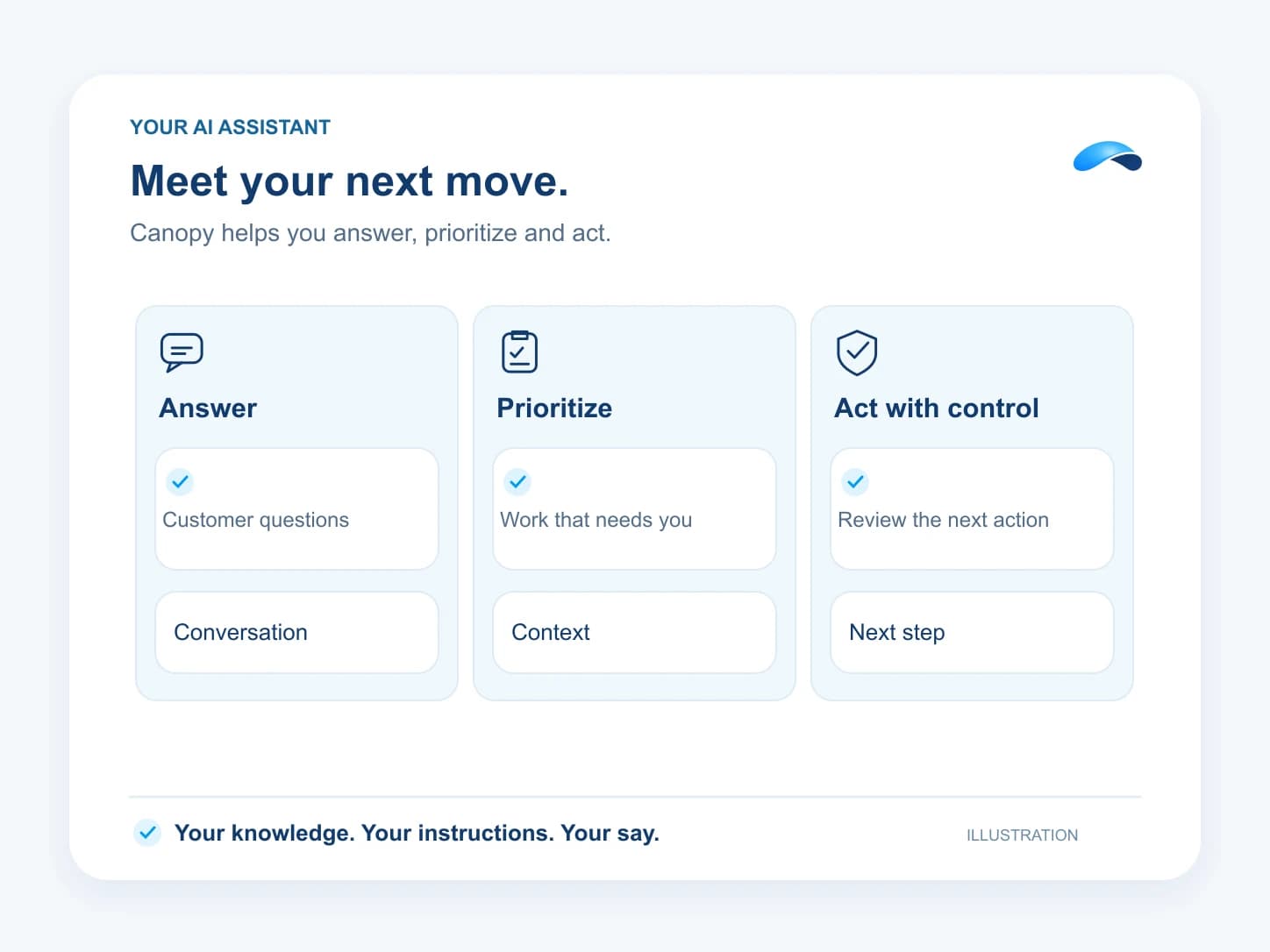
Canopy is your AI that answers customers, remembers conversations and gets the follow-up done with your team in control.
Business Phone
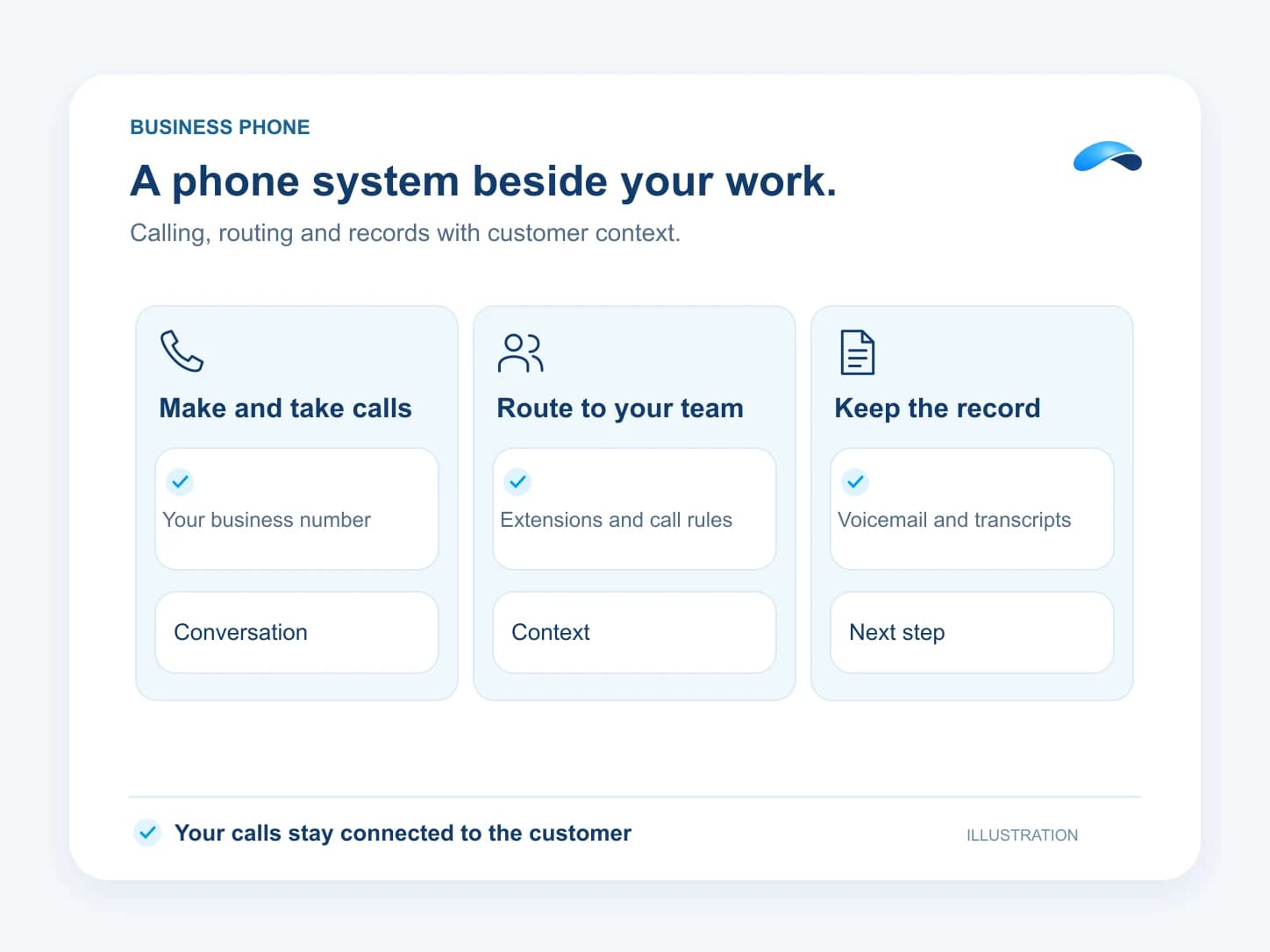
Let Canopy answer, then keep calls and customer context with your team.
Customer Messaging
Answer chat, email and texts with the customer history at hand.
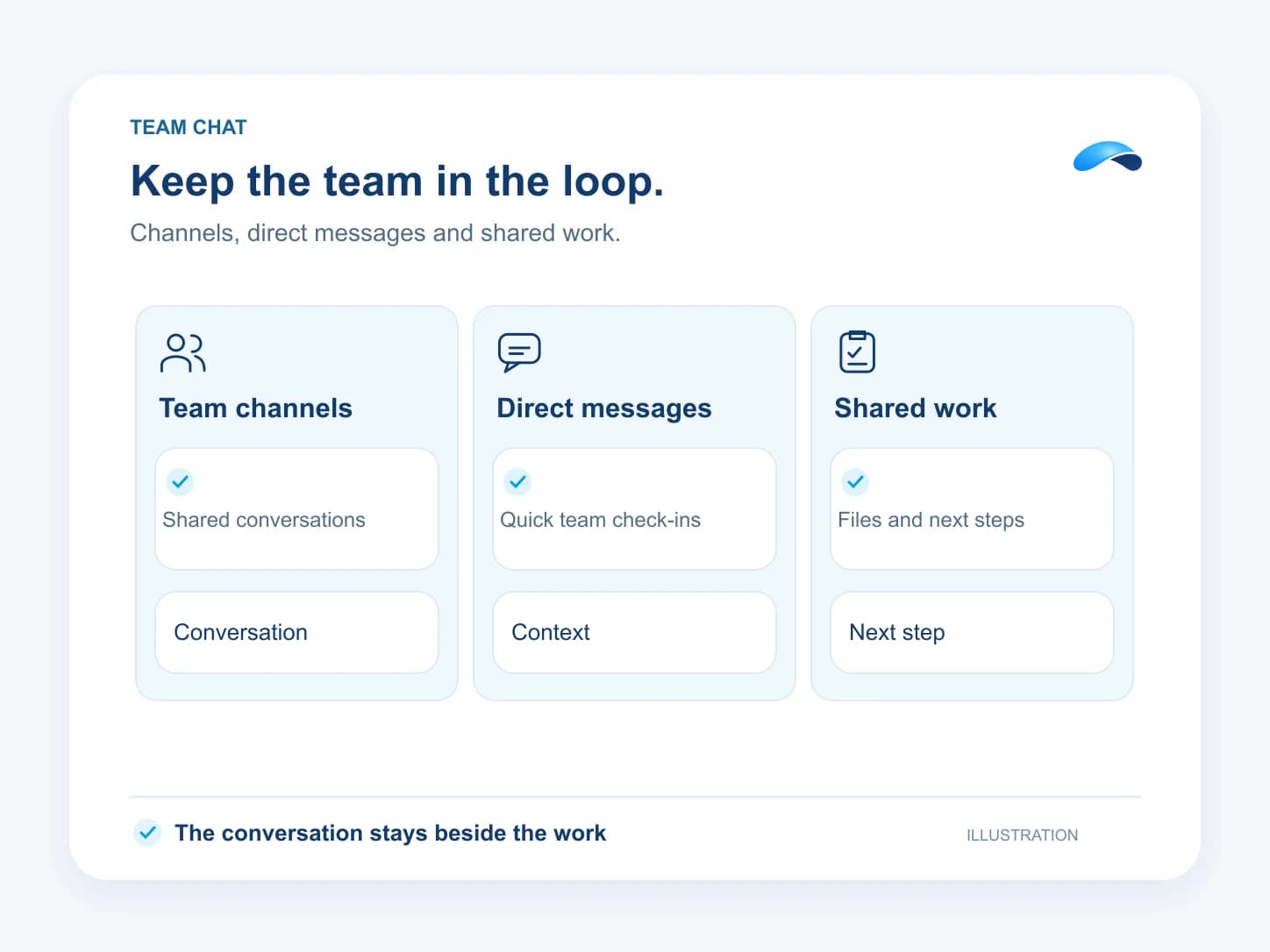
Team Chat
Keep channels, messages and shared work beside your meetings.
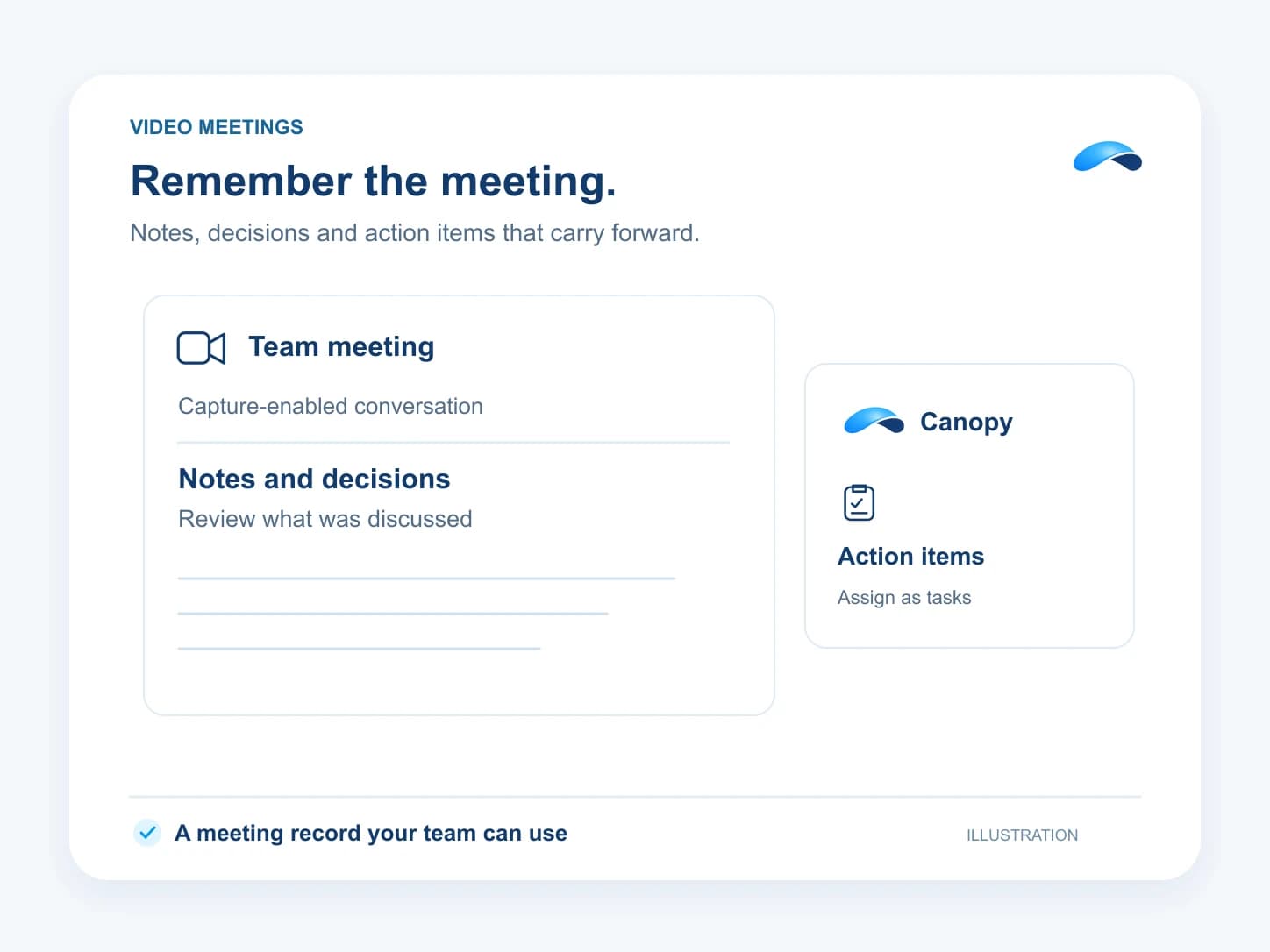
Video Meetings
Keep the notes and next steps from your team’s conversations.
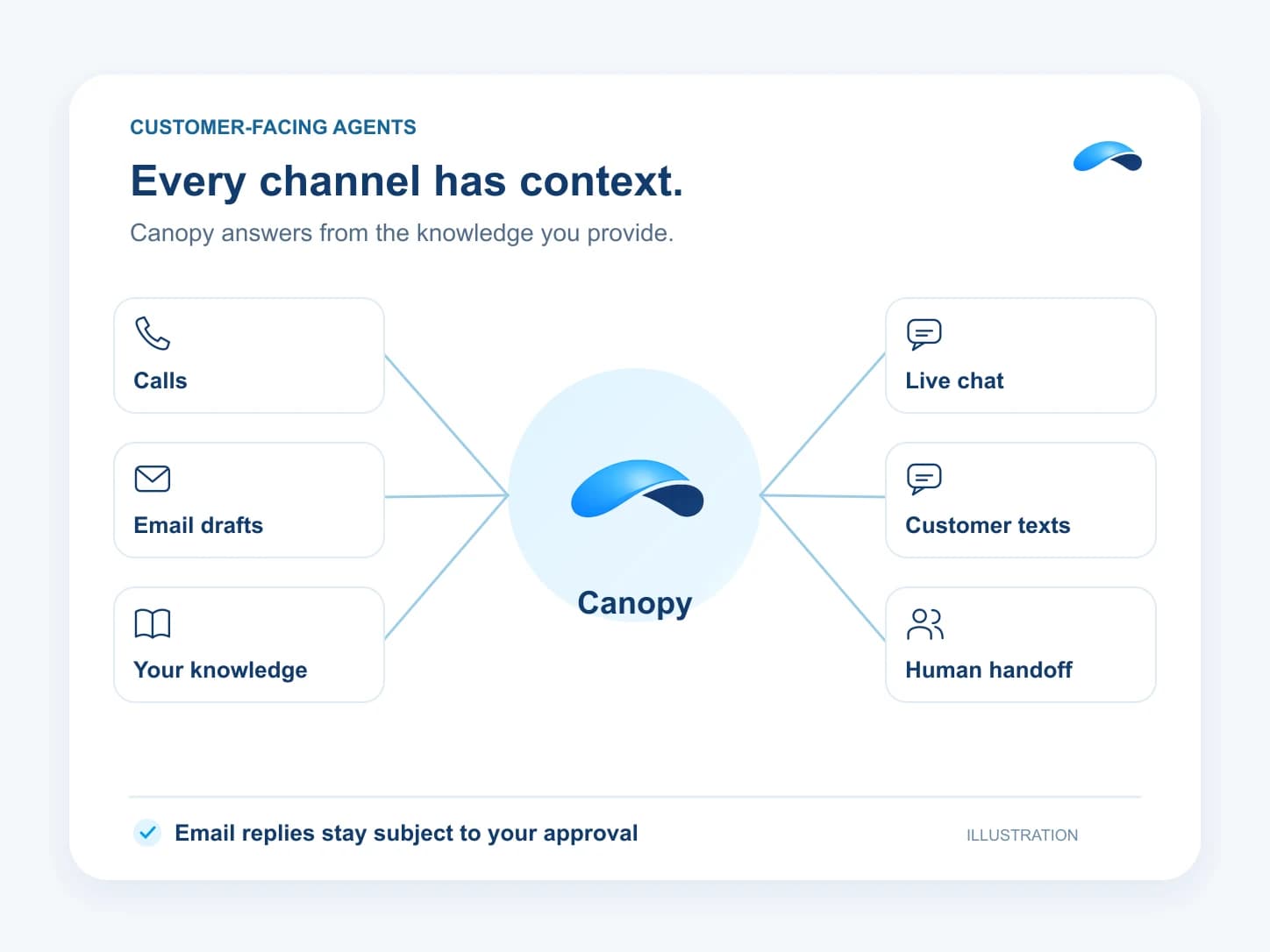
AI Agents
Deploy agents that answer your customers and hand off to your team.
Market Canopy
The AI platform for every conversation your business has.
Market Canopy is the AI-native platform for every conversation your business has. Canopy, your AI, answers customers, remembers conversations and gets the follow-up done across phone, texts, live chat, email, meetings and team chat. Built security-first, it keeps your business in control of what the AI does on its own.
453 S Spring ST, Suite 400, Los Angeles, CA 90017
Links
Features