Questions answered from your own documents, before an agent is needed
The chat widget’s assistant answers from your training documents and hands off what it cannot.
The problem
Sound familiar?
“The same ten questions fill our inbox every day — hours, shipping, password resets.”
“Our help articles exist, but nobody reads them; they open chat instead.”
What it does
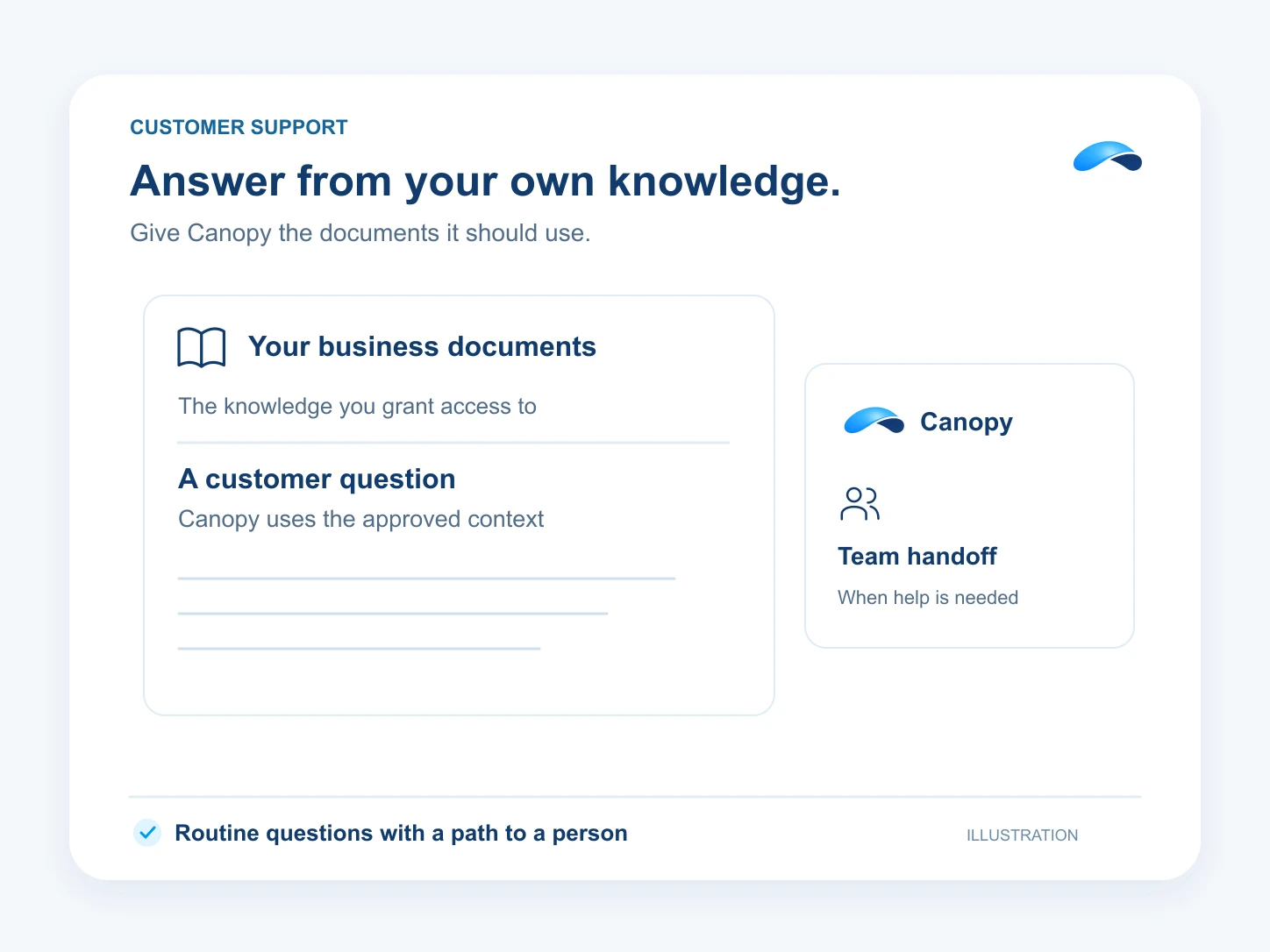
Answers from your own documents.
The assistant behind your chat widget answers everyday questions from the documents you upload — pricing pages, policies, FAQs — and hands the thread to a person with full history the moment it is unsure.
Everyday questions, answered
From the pricing pages, policies and FAQs you upload.
One embed on your site
Drop the widget where the questions happen.
Hands off when unsure
The thread goes to a person with full history.
Count what it finished
The AI outcomes report shows the resolved conversations.
Setup
How it works in Canopy
4 steps, from setup to the work getting done.
Step 1: Embed the widget on your site
Create the widget under Live chat → Widgets and drop its embed on the pages where questions happen.
Step 2: Upload the answers in AI → Training
The assistant answers only from these documents — policies, FAQs, how-tos.
Step 3: Set the handover rules
Decide when the assistant steps aside: a keyword, a stuck thread, or a customer asking for a person.
Step 4: Count what it finished
The AI outcomes report shows the conversations the assistant actually resolved.
Sample
Sample conversation, illustrative
A shopper gets the shipping answers from the documents, and the handover keeps the whole chat.
The plans that carry this.


Call the demo line, or try the chat.
Demo line coming soon.
Market Canopy
The AI platform for every conversation your business has.
Market Canopy is the AI-native platform for every conversation your business has. Canopy, your AI, answers customers, remembers conversations and gets the follow-up done across phone, texts, live chat, email, meetings and team chat. Built security-first, it keeps your business in control of what the AI does on its own.
453 S Spring ST, Suite 400, Los Angeles, CA 90017
Links
Features