
Leads qualified and callbacks scheduled before you read them
The assistant asks your questions, updates the lead and books the callback for the ones worth calling.
The problem
Sound familiar?
“Every form fill lands in the same pile — the ready-to-buy and the window shoppers.”
“By the time we call back the good ones, they have gone somewhere else.”
What it does
Every new lead, worked the same way.
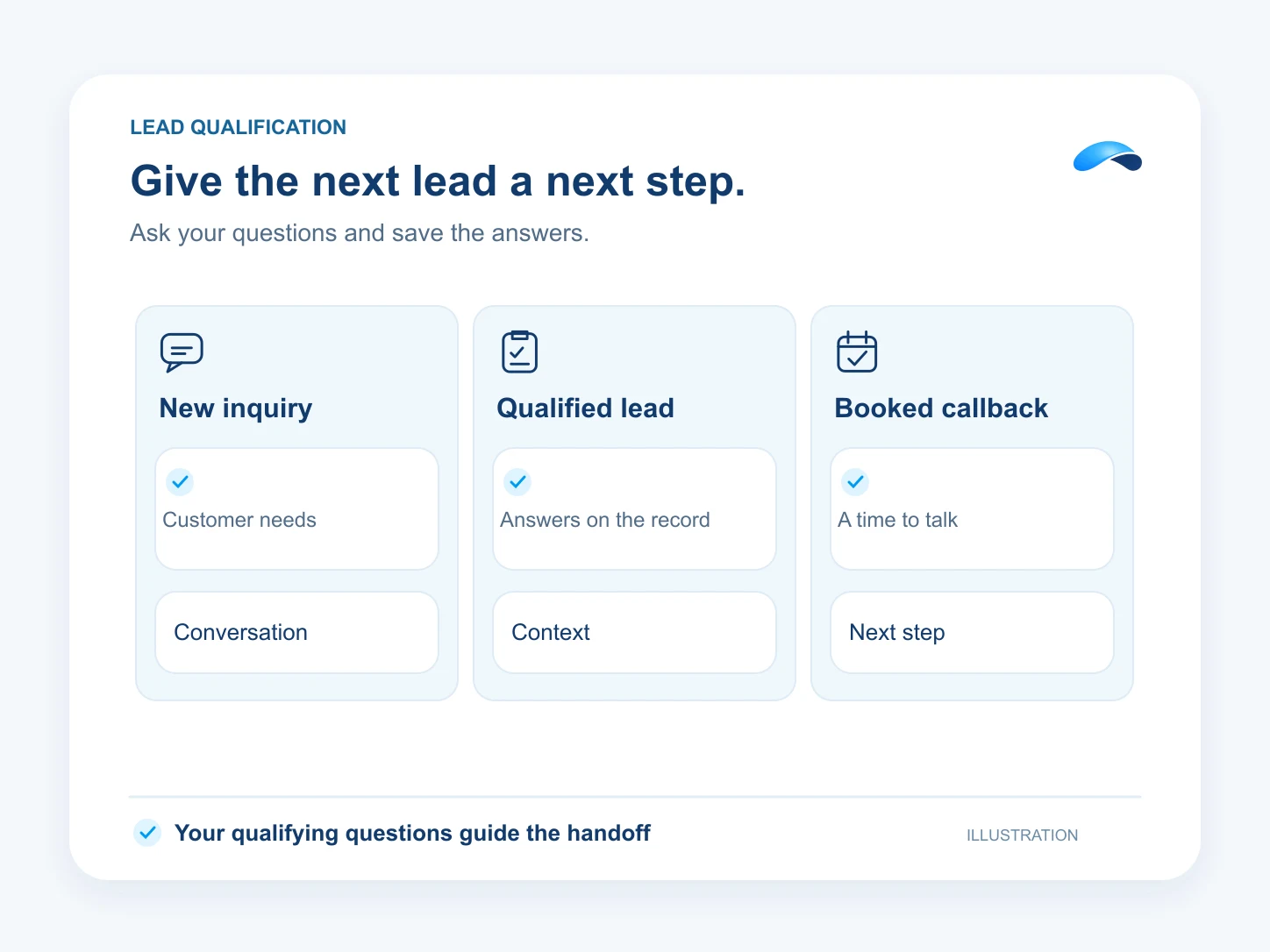
The assistant works each new lead: it asks your qualifying questions over chat, email or SMS, writes the answers onto the lead, and schedules a callback with the right teammate for the ones that qualify.
Your stages hold the verdict
Stages like “New”, “Qualified” and “Booked”.
Your questions, asked for you
Qualifying questions over chat, email or SMS.
Answers on the record
It writes what it learns onto the lead.
The callback, booked
Qualified leads leave with a callback scheduled.
Setup
How it works in Canopy
4 steps, from setup to the work getting done.
Step 1: Lay out your pipeline in Leads
Stages like “New”, “Qualified” and “Booked” give the assistant somewhere to put its verdict.
Step 2: Write the qualifier in AI → Profiles
Set the questions it must ask and the rules for what counts as qualified on the profile’s Rules and Goals tabs.
Step 3: Give it the tools
Lead updating, follow-up creation, lookup and scheduling are the tool actions it uses — no custom code.
Step 4: Read the verdict where you work
Qualified leads arrive with their answers on the record, a task for the owner, and the callback already on the calendar.
Sample
Sample conversation, illustrative
A new form fill is asked the qualifying questions and leaves with a callback on the calendar.
The plans that carry this.
More for sales


Call the demo line, or try the chat.
Demo line coming soon.
Market Canopy
The AI platform for every conversation your business has.
Market Canopy is the AI-native platform for every conversation your business has. Canopy, your AI, answers customers, remembers conversations and gets the follow-up done across phone, texts, live chat, email, meetings and team chat. Built security-first, it keeps your business in control of what the AI does on its own.
453 S Spring ST, Suite 400, Los Angeles, CA 90017
Links
Features