
Reminders that go out on time, every time
A scheduled workflow sends the reminder email and text — appointments, renewals, payments.
The problem
Sound familiar?
“No-shows happen because the reminder depends on someone remembering to send it.”
“Renewal dates live in a spreadsheet; customers hear from us after the deadline, not before.”
What it does
Runs on the calendar, not a sticky note.
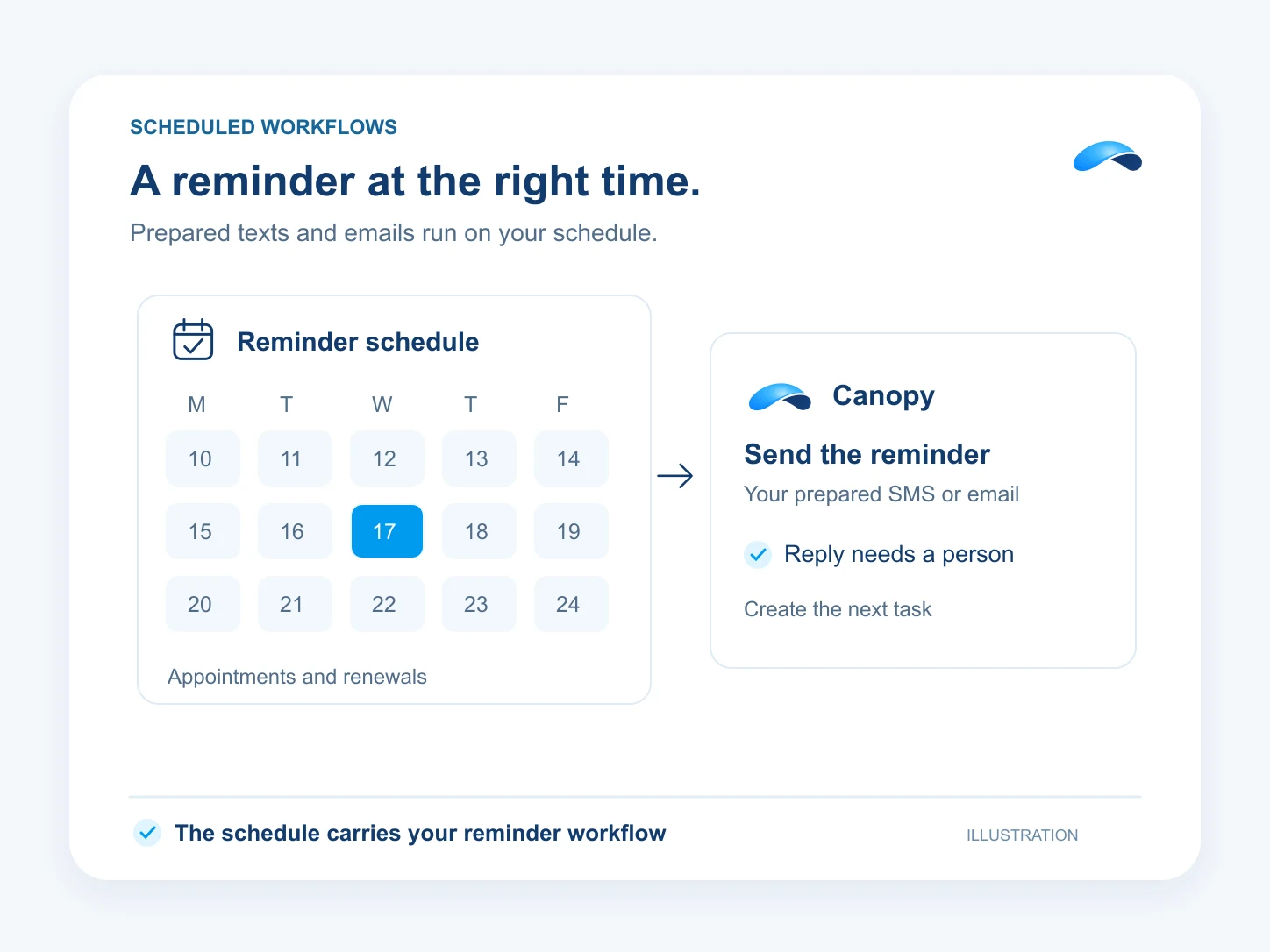
A workflow on a schedule sends the reminders for you: the text the day before, the email the week before, and a task when a reply needs a person. It runs on the calendar, not on a sticky note.
Runs on a schedule
A daily run covers most reminder windows.
Only who is due
Filter to what falls inside the window you choose.
The text and the email
The near-term nudge by SMS, the fuller notice by email.
A person where needed
Ends with a task when a reply needs one.
Setup
How it works in Canopy
4 steps, from setup to the work getting done.
Step 1: Give the workflow a schedule
In Workflows, start from the schedule trigger — daily at a set time is enough for most reminder runs.
Step 2: Pick who gets reminded
Filter to the appointments, renewals or invoices that are due inside the window you choose.
Step 3: Send the text and the email
A send-SMS step for the near-term nudge, a send-email step for the fuller notice.
Step 4: Flag the ones that need a person
End with a task for confirmations and replies, so nothing reminds twice or falls through.
Sample
Sample conversation, illustrative
The reminders go out on schedule, and the reply is confirmed without a task.
The plans that carry this.
More for sales


Call the demo line, or try the chat.
Demo line coming soon.
Market Canopy
The AI platform for every conversation your business has.
Market Canopy is the AI-native platform for every conversation your business has. Canopy, your AI, answers customers, remembers conversations and gets the follow-up done across phone, texts, live chat, email, meetings and team chat. Built security-first, it keeps your business in control of what the AI does on its own.
453 S Spring ST, Suite 400, Los Angeles, CA 90017
Links
Features